Top 12 YouTube Tag Extractor Tools for SEO in 2026
Unlocking the tags behind a successful YouTube video is a crucial step in understanding why it ranks well and attracts viewers. By examining the metadata of top-performing content in your niche, you can gain powerful insights into competitor strategies, identify content gaps, and refine your own video SEO. A dedicated youtube tag extractor simplifies this process, instantly revealing the hidden tags associated with any public video. This allows you to move beyond guesswork and start making data-driven decisions for your own content calendar and optimisation efforts.
This guide provides a comprehensive, curated list of the best YouTube tag extractor tools available today. We will dive into web-based applications, browser extensions, and even manual methods, giving you a clear picture of what each solution offers. Whether you are a solo creator aiming for consistent growth, a marketing manager planning a content strategy, or an agency managing multiple channels, you will find a tool that fits your specific workflow and budget. Understanding how to effectively utilise YouTube tag extractor tools is a vital part of a broader strategy involving the use of the best YouTube SEO tools available to dominate search rankings.
We have analysed each option, highlighting its core strengths, potential limitations, and ideal use cases. Each entry includes direct links and screenshots to help you quickly assess its interface and functionality. By the end of this listicle, you will not only know which tool to choose but also how to strategically leverage the tags you uncover to generate better video ideas, improve your channel's discoverability, and ultimately, grow your audience.
1. vidIQ
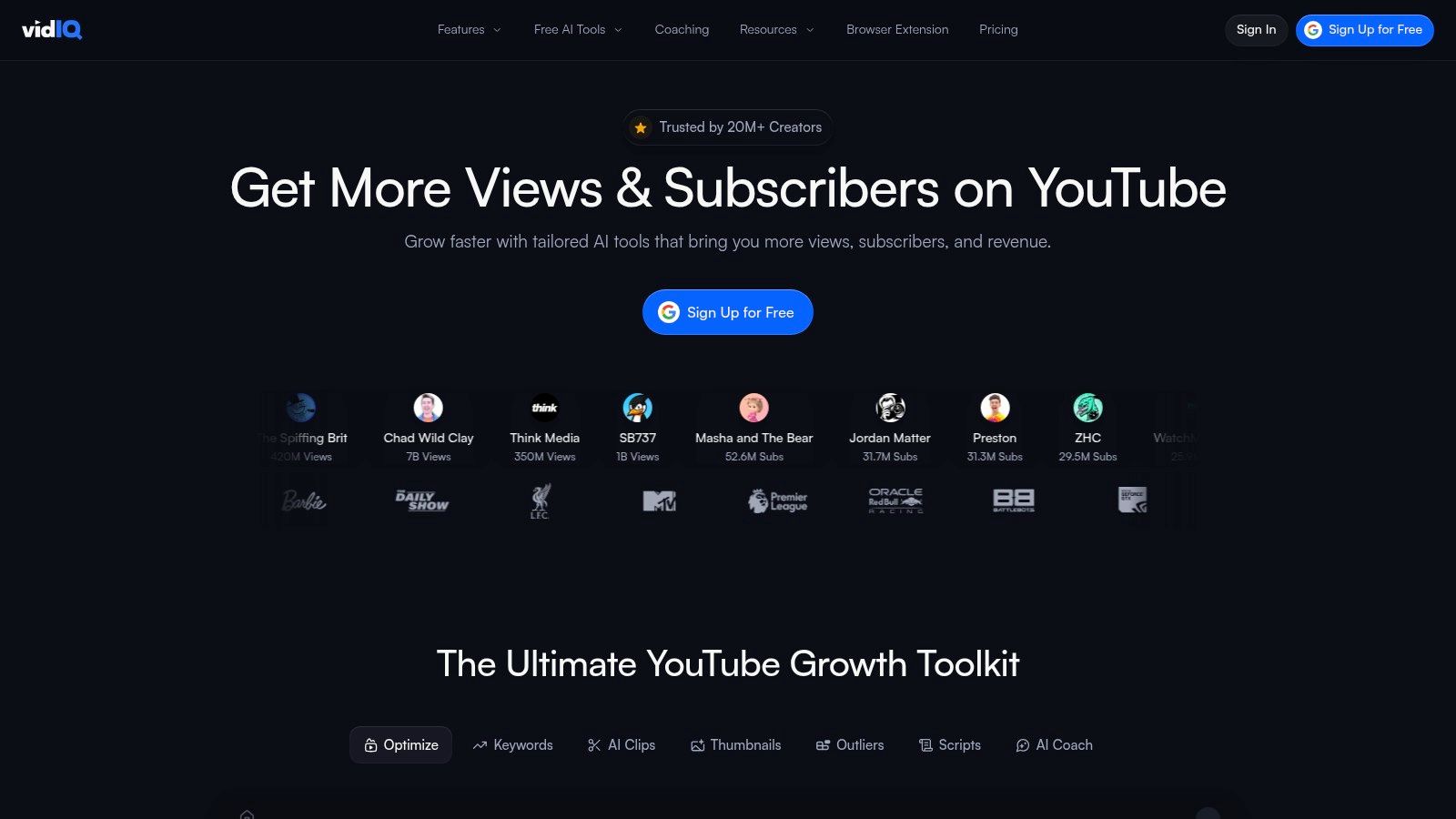
A titan in the YouTube growth space, vidIQ is far more than just a simple YouTube tag extractor. It’s a comprehensive optimisation suite delivered through a browser extension and web app, designed to embed powerful analytics and keyword data directly into your YouTube workflow. For creators who want to see a video's tags while also understanding the broader competitive landscape, vidIQ is an indispensable tool. It reveals tags, shows their search volume, and provides an overall optimisation score right on the video watch page.
Why It Stands Out
What makes vidIQ unique is its ecosystem approach. Extracting tags is just the first step. The platform immediately provides actionable context, suggesting related keywords, identifying trending videos using similar tags, and even offering AI-powered title recommendations. This integration transforms tag extraction from a passive data-gathering exercise into an active strategy-building process. It's a robust choice for those serious about channel growth, and it functions as one of the most powerful YouTube keyword research tools available.
Core Features & Limitations
Key Features:
- In-Page Tag Display: Instantly view all tags for any public YouTube video.
- Keyword Inspector: Analyse search volume, competition, and overall scores for specific tags.
- AI Tag Recommendations: Get machine-learning-driven suggestions to improve your video's tag list.
- Copy & Export: A one-click button allows you to copy all tags to your clipboard or export them as a CSV file.
Pros & Cons:
| Pros | Cons |
|---|---|
| Trusted by millions of creators with a mature browser extension. | Many advanced tag features are gated behind paid plans. |
| Integrates seamlessly into the native YouTube Studio interface. | The sheer amount of data can be overwhelming for beginners. |
| Provides a holistic view beyond tags (SEO scores, channel audits, etc.). | Pricing and feature sets can differ based on billing. |
Website: https://vidiq.com
2. TubeBuddy
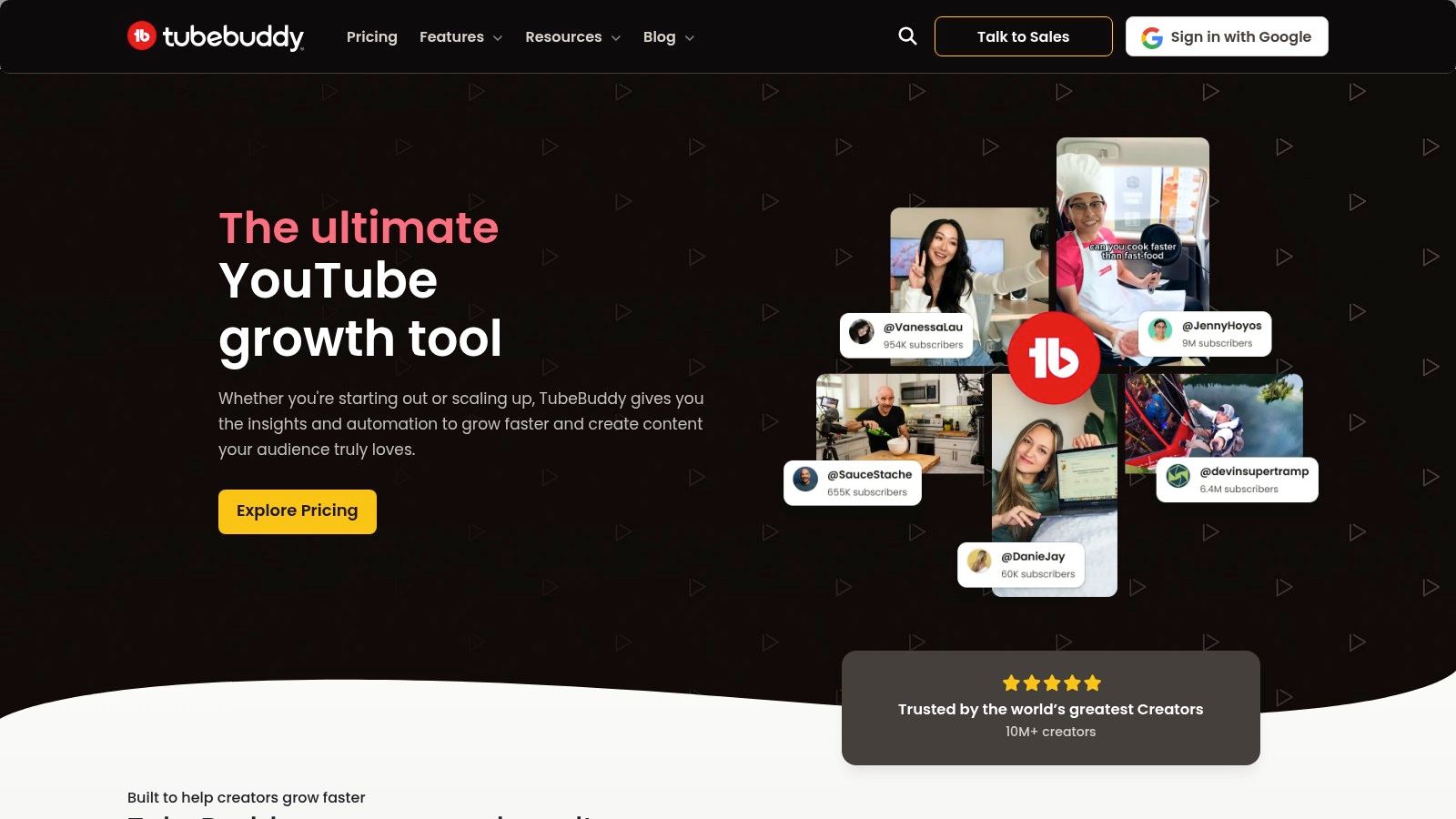
A long-standing veteran in the YouTube creator space, TubeBuddy is a powerful toolkit delivered primarily through a browser extension that deeply integrates into the YouTube Studio. It’s more than a basic YouTube tag extractor; it's a comprehensive optimisation partner designed to streamline your metadata workflow. For creators who value direct integration and a suite of tag management utilities, TubeBuddy provides essential data right on the video page, showing a competitor's tags and suggesting better alternatives.
Why It Stands Out
TubeBuddy's key advantage is its deep, almost native, integration with the YouTube Studio. While it performs the core task of extracting tags flawlessly, its strength lies in what it allows you to do next. The platform's Keyword Explorer has a dedicated "Tags" tab that generates hundreds of relevant suggestions, complete with search volume and competition scores. This transforms the simple act of copying tags into a strategic process of building a highly optimised, ranked list of keywords for your own content, making it an essential tool for methodical channel growth.
Core Features & Limitations
Key Features:
- Video Tag Viewer: Instantly view, copy, and save any public video's tag list.
- Keyword Explorer: A dedicated research tool to find and analyse the best tags for your niche.
- Tag Rankings: See where a video ranks in search results for its specific tags (paid feature).
- SEO Studio: A guided workflow to help you craft perfectly optimised titles, descriptions, and tags from scratch.
Pros & Cons:
| Pros | Cons |
|---|---|
| Deeply integrates with the YouTube Studio for a seamless workflow. | Core features like tag ranking are behind a paid subscription. |
| Trusted by a large community with years of reliable performance. | The interface can feel slightly less modern than some rivals. |
| Offers robust utilities beyond tags, like A/B testing (high tiers). | Pricing and available features can vary by market and plan. |
Website: https://www.tubebuddy.com
3. TubeRanker – Tag Extractor
TubeRanker offers a focused suite of YouTube SEO tools, with its dedicated Tag Extractor serving as a straightforward and effective solution. Unlike sprawling platforms, TubeRanker provides a clean, purpose-built interface for revealing the tags behind any public video. It's an excellent choice for creators who need a simple, no-fuss youtube tag extractor but also appreciate access to other lightweight SEO tools like a rank tracker and content generators without the complexity of an all-in-one suite.
Why It Stands Out
TubeRanker’s strength lies in its simplicity and focused utility. Where other tools bundle tag extraction with dozens of other features, TubeRanker keeps the process streamlined: you paste a URL and get the tags. This is complemented by its other core offerings, like the ability to track your video's search ranking for specific keywords over time. For example, a DIY channel could use the Tag Extractor to see that a top-ranking "ikea hack" video uses the tag "small apartment decor." They can then add this tag to their own relevant video and use TubeRanker's Rank Tracker to see if their search position for that specific term improves over the next few weeks. This combination allows creators to not only find effective tags but also to measure their direct impact.
Core Features & Limitations
Key Features:
- One-Click Extraction: Simply paste a YouTube video URL to instantly view its complete list of tags.
- Rank Tracker: Monitor your video's search engine position for target keywords on YouTube.
- Title & Description Generators: AI-powered tools to help brainstorm and create optimised video metadata.
- Simple Copy Function: Easily copy all extracted tags to your clipboard with a single click for use in your own videos.
Pros & Cons:
| Pros | Cons |
|---|---|
| A simple, purpose-built interface ideal for quick analysis. | Smaller ecosystem with fewer features than larger suites. |
| Competitive pricing for its focused toolset. | Some advanced features are tied to paid Pro tiers. |
| Includes rank tracking to measure tag effectiveness. | Lacks the in-depth analytics of platforms like vidIQ. |
Website: https://tuberanker.com
4. Keyword Tool (YouTube module)
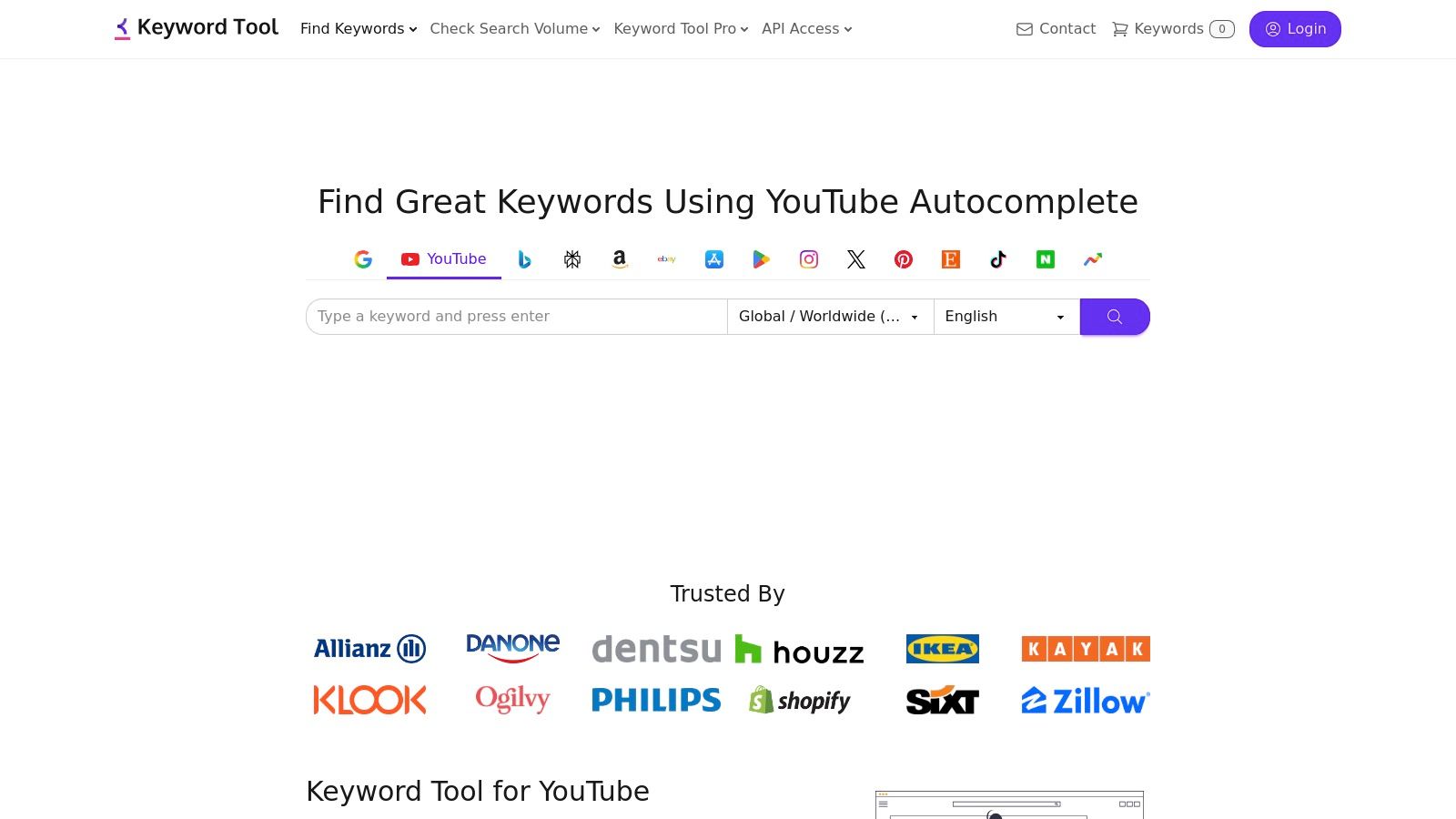
Keyword Tool offers a different but complementary approach to tag discovery. Rather than functioning as a direct YouTube tag extractor that pulls tags from a specific video URL, it acts as a powerful keyword generator. It leverages YouTube’s Autocomplete feature to generate hundreds of long-tail keyword ideas from a single seed term, revealing what real users are actively searching for on the platform. This makes it an invaluable resource for expanding your tag list beyond what a direct competitor is using.
Why It Stands Out
What makes Keyword Tool unique is its reliance on YouTube's own search suggestions, providing a direct line into audience search behaviour. Its strong localisation features allow you to generate keyword suggestions specific to different countries and languages, a crucial advantage for creators targeting specific regional audiences, like those in the UK. Instead of just copying a competitor's strategy, this tool helps you build a more comprehensive and audience-focused tag strategy from the ground up.
Core Features & Limitations
Key Features:
- Autocomplete-Driven Suggestions: Generates a large volume of relevant keyword ideas based on YouTube's search prediction algorithm.
- Country & Language Targeting: Refine keyword searches for specific geographic and linguistic audiences.
- Easy Export: Quickly copy all generated keywords in a comma-separated list, ready to be pasted into your YouTube video tags.
- Search Volume Data (Pro): The paid version provides crucial metrics like search volume, trend data, and cost-per-click.
Pros & Cons:
| Pros | Cons |
|---|---|
| Suggestions are highly relevant as they come from user search data. | The free version is limited and lacks essential volume metrics. |
| Excellent for brainstorming and expanding existing tag lists. | Doesn't extract tags from a specific video, only generates new ones. |
| Simple, fast interface focused purely on keyword generation. | Access to full data and metrics requires a Pro subscription. |
Website: https://keywordtool.io/youtube
5. RapidTags
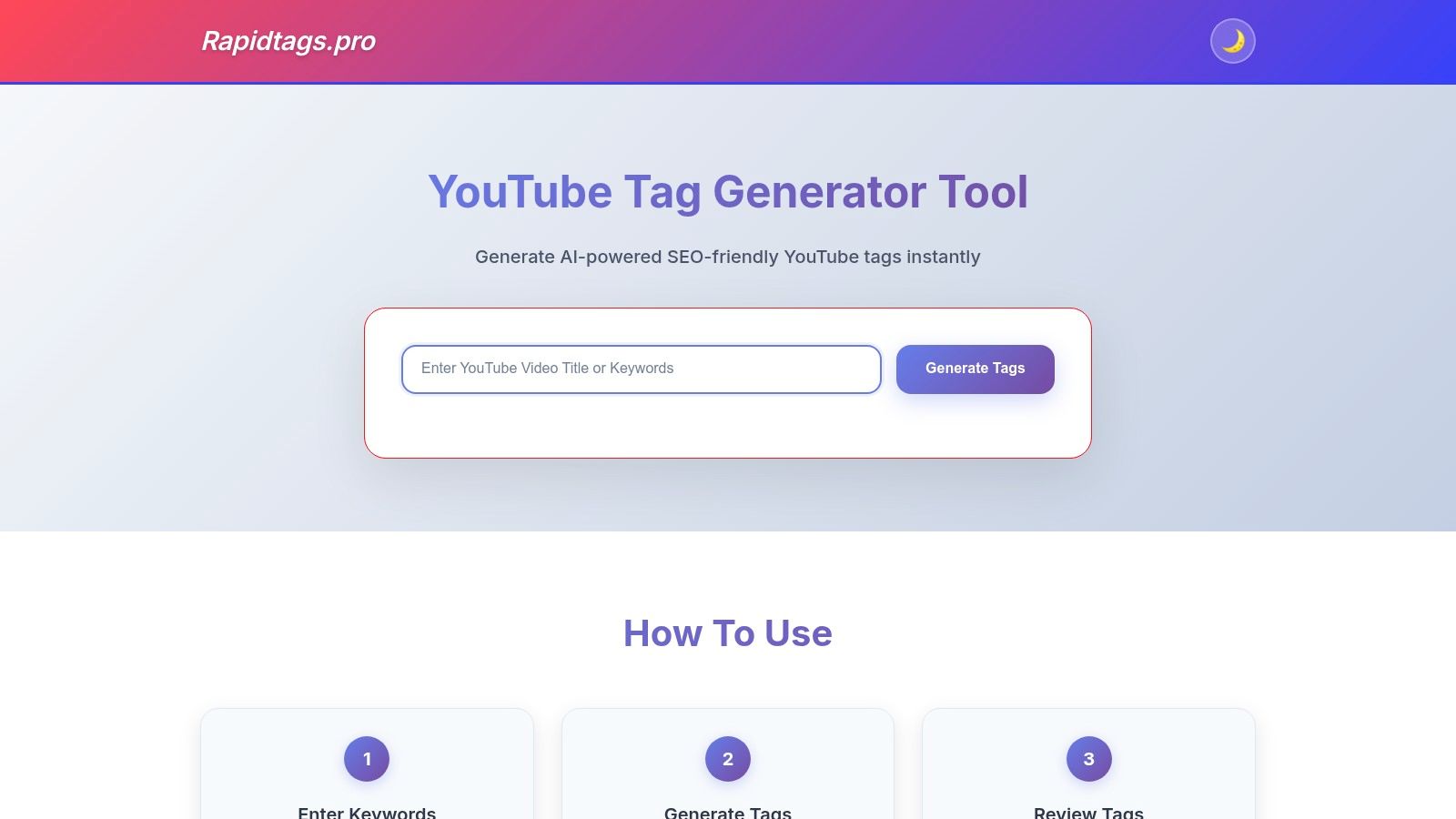
RapidTags offers a different approach to the typical YouTube tag extractor. Instead of pulling existing tags from a video URL, it functions as a high-speed tag generator. You provide a video title or a primary keyword, and its AI-powered system instantly produces a list of relevant, optimised tags. This makes it an excellent tool for brainstorming and supplementing tags you've already extracted from competitors, ensuring you have a comprehensive list ready for your upload.
Why It Stands Out
Its standout feature is sheer speed and simplicity. There are no sign-ups, no browser extensions to install, and no complex dashboards to navigate. The entire process happens on a single, clean webpage. For creators who need a quick, no-fuss list of tag ideas during the upload process, RapidTags is unparalleled. It removes friction from the ideation phase, allowing you to generate a solid tag foundation in seconds, which is a great starting point before you create the rest of your metadata with a YouTube description maker.
Core Features & Limitations
Key Features:
- AI Tag Generation: Automatically creates a list of optimised tags based on your input title.
- One-Click Copy: A simple button copies all generated tags directly to your clipboard.
- Mobile-Friendly UI: The interface is fully responsive, making it easy to use on any device.
- Trending Suggestions: Includes suggestions for currently trending related topics.
Pros & Cons:
| Pros | Cons |
|---|---|
| Extremely fast, providing unlimited tag generation for free. | It generates tags, it does not extract them from specific videos. |
| No account or registration is required for use. | Lacks the deep analytics and performance metrics of larger suites. |
| The clean, minimalist interface is very easy for beginners to use. | The relevance of AI-generated tags can sometimes vary. |
Website: https://www.rapidtags.pro/
6. YTtags – YouTube Tags Extractor
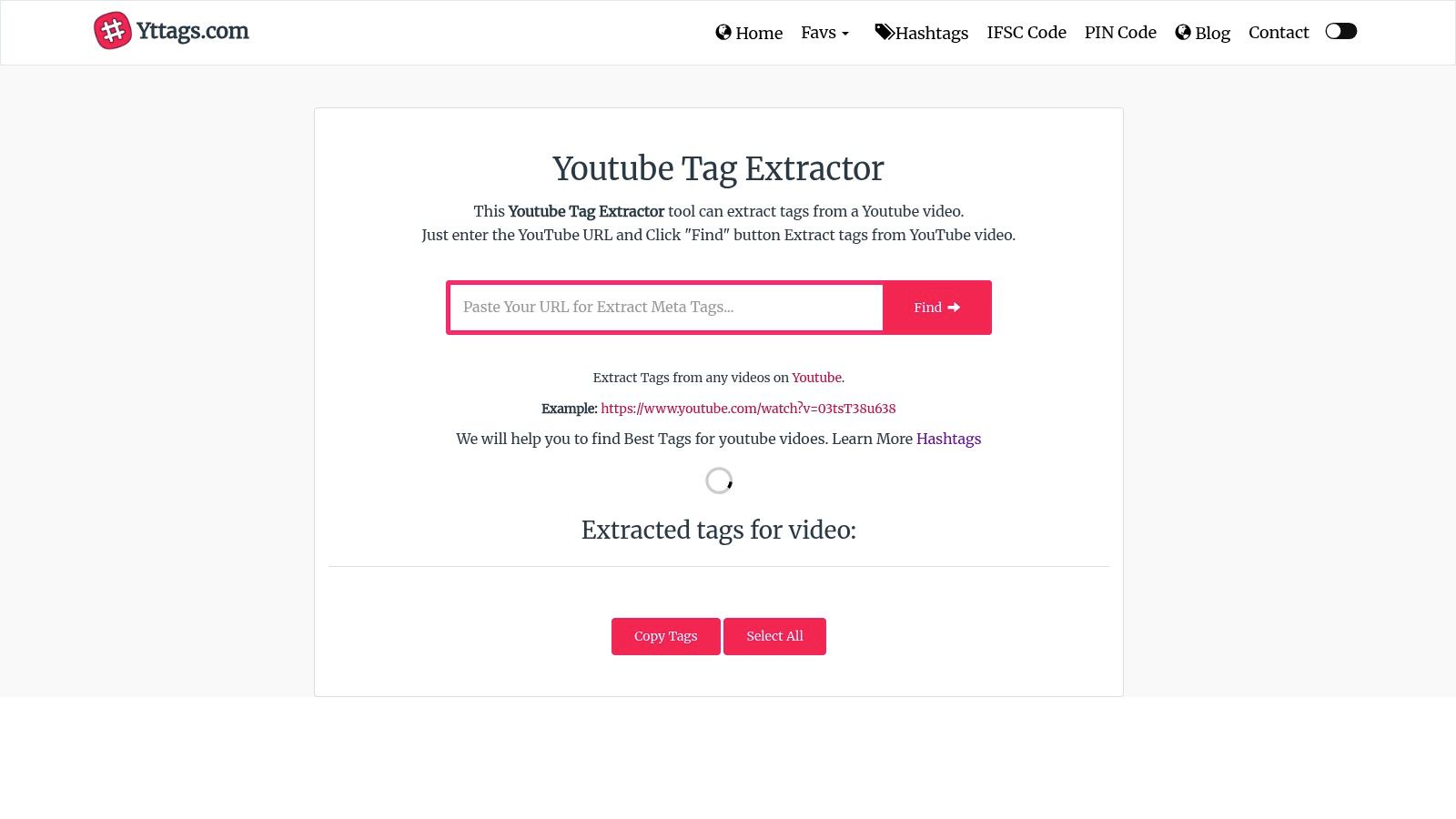
For creators who need a fast, no-frills tool, YTtags is a streamlined web-based YouTube tag extractor that prioritises speed and simplicity. It operates on a straightforward principle: you paste a YouTube video URL, and it instantly reveals the associated tags. This makes it an excellent choice for quick competitive analysis, allowing you to gather tag data from multiple videos in rapid succession without needing to install an extension or create an account. It is designed for efficiency above all else.
Why It Stands Out
What distinguishes YTtags is its absolute focus on a single function, executed flawlessly. Unlike comprehensive suites, it avoids overwhelming users with analytics, scores, or recommendations. Its purpose is singular: extract tags. This lean approach is perfect for a specific workflow. For instance, a content strategist quickly compiling a list of core tags from the top five competing videos for a new video brief would find this tool ideal. They can open five browser tabs, paste each URL into YTtags, and have five sets of keywords ready for analysis in under a minute. It strips away complexity, providing just the raw data needed.
Core Features & Limitations
Key Features:
- Paste-and-Go Extraction: A simple input field for any YouTube video URL to retrieve its hidden tags.
- One-Click Copy: Easily copy all extracted tags to your clipboard with a single button.
- No Sign-Up Required: The tool is completely free and accessible without any registration or login.
- Clean User Interface: An uncluttered and intuitive design that makes tag extraction effortless.
Pros & Cons:
| Pros | Cons |
|---|---|
| Extremely lightweight and fast, requiring no login or software. | Provides no analytics, search volume, or trend data. |
| Simple UX is ideal for batch-checking competitor video tags. | Functionality is limited exclusively to tag extraction. |
| Completely free to use with no hidden costs or paid tiers. | Lacks advanced features like tag recommendations or sorting. |
Website: https://yttags.com/youtube-tag-extractor.php
7. YouTubeTag.com – Tag Extractor + Chrome Extension
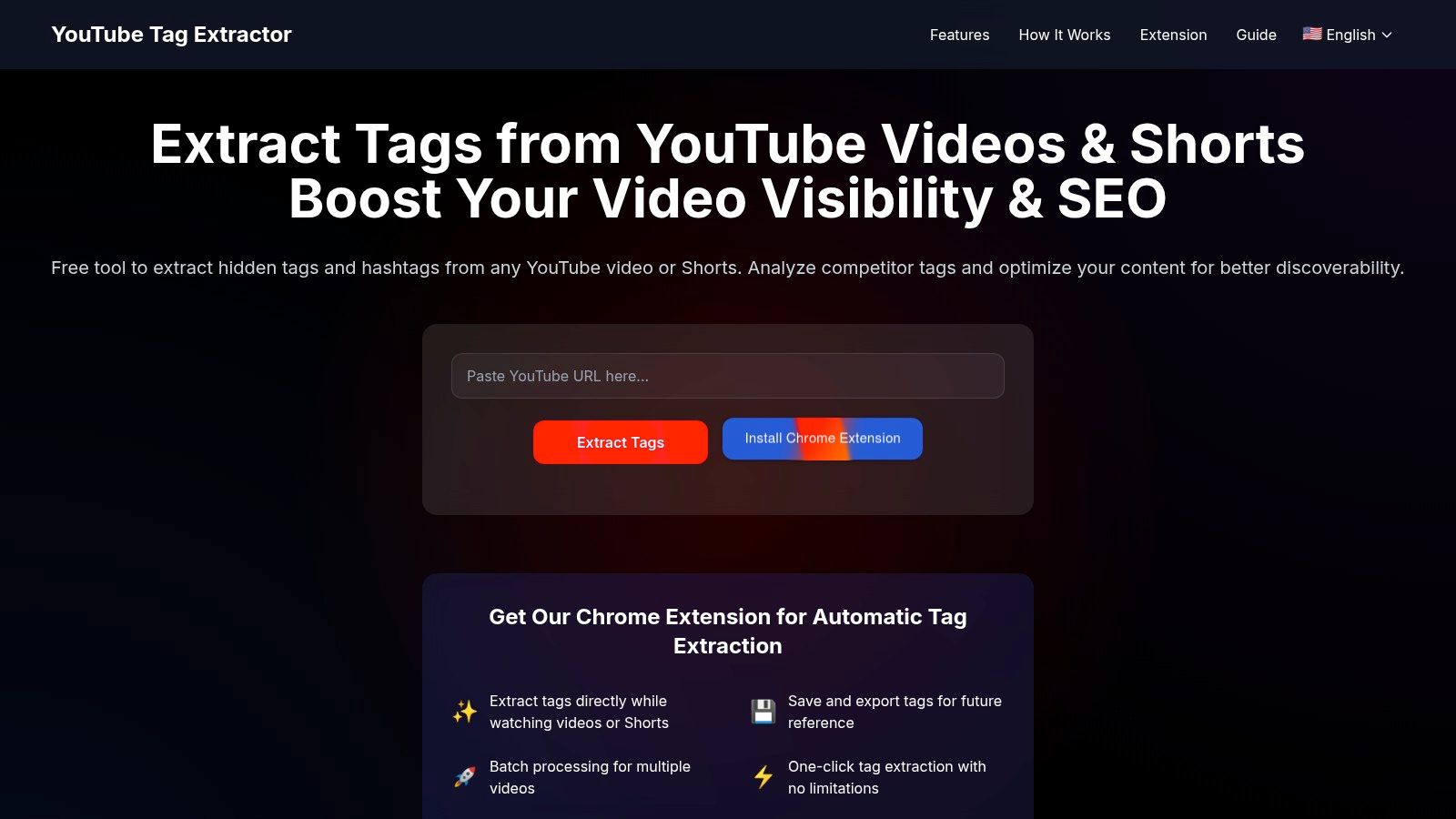
YouTubeTag.com offers a streamlined and flexible approach to tag extraction, catering to creators who appreciate having options. It provides a simple web-based tool for quick, one-off searches and a convenient Chrome extension that embeds tag data directly into the YouTube interface. This dual-access model makes it an excellent choice for creators who want both a dedicated tool and an always-on browser utility, with a notable focus on supporting YouTube Shorts.
Why It Stands Out
The platform's main differentiator is its versatility without complexity. While other tools bundle tag extraction into larger SEO suites, YouTubeTag.com keeps its focus narrow and user-friendly. By explicitly supporting Shorts, it addresses a growing need for creators optimising short-form content, a segment often overlooked by more traditional tools. The ability to use the website without an account for a quick check, or install the extension for continuous analysis, provides a workflow that adapts to the creator's immediate needs.
Core Features & Limitations
Key Features:
- Web & Extension Tools: Use the website for ad-hoc extraction or the extension for in-browser functionality.
- YouTube Shorts Support: Specifically designed to extract tags and hashtags from Shorts, not just long-form videos.
- Simple Copy & Export: Easily copy all tags to your clipboard with a single click.
- No Account Needed: The basic web tool is accessible to everyone without registration, ensuring quick, frictionless use.
Pros & Cons:
| Pros | Cons |
|---|---|
| Dual workflow (web tool and extension) fits different user habits. | Lacks the advanced analytics found in larger SEO suites. |
| Explicit support for YouTube Shorts is a key advantage. | Newer branding and tooling may have less of a track record. |
| No account is required for basic web-based tag extraction. | Feature set is more focused and less extensive than rivals. |
Website: https://youtubetag.com/
8. TagExtractor.net – Free YouTube Tag Extractor
TagExtractor.net offers a unique, hybrid approach within the world of free online tools. At its core, it’s a simple paste-and-go YouTube tag extractor that reveals a video's metadata with zero friction. However, its standout feature is a clever AI-powered fallback for situations where a competitor’s video has no tags, or very few, giving you a list of relevant suggestions when direct extraction yields nothing useful. This makes it a practical tool for quick analysis, especially for covering gaps in your research.
Why It stands out
What distinguishes TagExtractor.net is its problem-solving design for a common creator frustration: analysing a high-performing video only to find its tags are hidden or non-existent. Instead of hitting a dead end, the tool’s AI generation kicks in, analysing the video's title and other available data to suggest a set of highly relevant tags. For example, a travel vlogger might find a viral video titled "3 Days in Tokyo" has no tags. Using this tool, the AI would generate suggestions like "tokyo travel guide," "japan itinerary," and "shibuya crossing," providing a solid starting point for their own video. This dual functionality makes it a reliable single-stop website for tag discovery.
Core Features & Limitations
Key Features:
- Dual-Function Extractor: Pulls existing public tags from any YouTube video.
- AI Tag Generation: Automatically suggests relevant tags if the original video has none, based on its title and context.
- Simple Interface: A clean, URL-based system that requires no login or installation.
- One-Click Copy: Easily copy all extracted or generated tags to your clipboard for immediate use.
Pros & Cons:
| Pros | Cons |
|---|---|
| No sign-up required, offering a fast and anonymous user experience. | Provides no search volume, competition, or SEO metrics. |
| Cleverly handles edge cases where competitor videos have no tags. | Lacks advanced analytics or channel-level insights. |
| Provides both an extraction and a suggestion workflow in one tool. | The AI suggestions are a fallback, not a full keyword tool. |
Website: https://tagextractor.net/
9. InstantViews – YouTube Tag Extractor
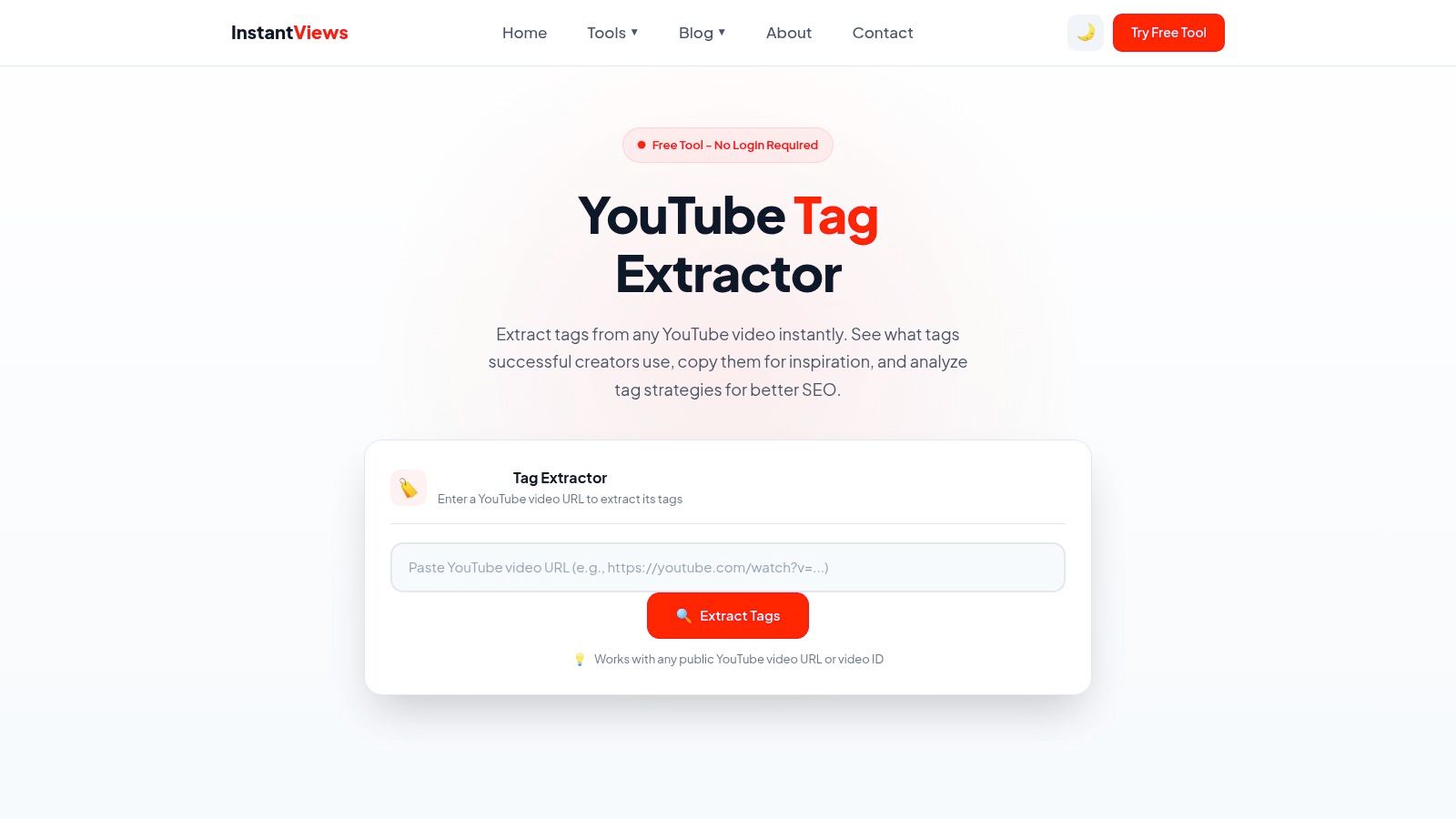
InstantViews offers a streamlined, no-frills youtube tag extractor designed for speed and simplicity. It’s a purely web-based tool that requires no sign-up or installation, making it perfect for creators who need a quick look at a video's tags without committing to a larger software ecosystem. By simply pasting a video URL, users get an immediate, organised list of all associated tags, fulfilling its core function with admirable efficiency.
Why It Stands Out
What distinguishes InstantViews is its educational component. Alongside the extracted tags, the tool provides clear, concise guidance on best practices, such as ideal tag length and the importance of relevance. This makes it an excellent starting point for new creators who are not just looking for tags to copy but are also trying to understand why certain tags are used. It bridges the gap between a simple data-pulling tool and an introductory SEO lesson.
Core Features & Limitations
Key Features:
- URL-Based Extraction: Pulls tags from any public YouTube video link or ID.
- One-Click Copy: Options to copy individual tags or the entire list to your clipboard instantly.
- Best Practice Guidance: Includes tips and explanations on effective tag usage directly on the page.
- Account-Free Access: Completely free to use with no login or registration required.
Pros & Cons:
| Pros | Cons |
|---|---|
| Exceptionally user-friendly and mobile-responsive interface. | Lacks any competitive metrics like search volume or scores. |
| No login or personal data is required, ensuring privacy. | Purely an extraction tool with no broader channel analytics. |
| The integrated guidance is valuable for beginners learning SEO. | Relies on a single function, offering no advanced features. |
Website: https://instantviews.net/tools/youtube/seo/tag-extractor
10. MonetizeMojo – YouTube Tags Extractor
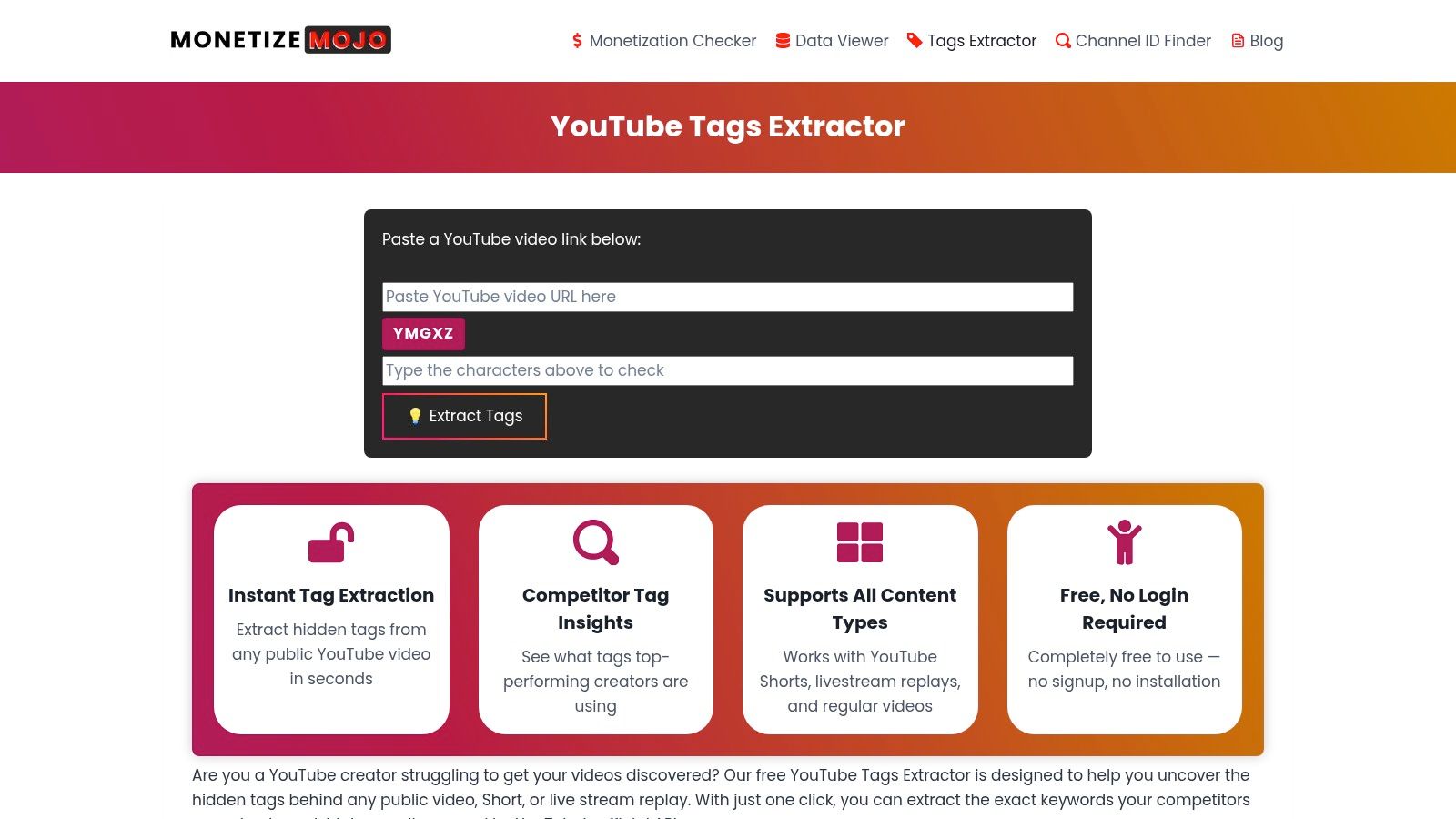
MonetizeMojo offers a refreshingly straightforward, web-based YouTube tag extractor that prioritises speed and accessibility. As a free, no-login tool built on the official YouTube API, it provides a reliable method for quickly pulling tags from any public video, Short, or even a livestream replay. This makes it an excellent choice for creators who need to perform quick competitive analysis across various content formats without the commitment of installing a browser extension or signing up for a service.
Why It Stands Out
The key differentiator for MonetizeMojo is its versatility across content types. While many tools focus exclusively on standard long-form videos, this platform’s explicit support for YouTube Shorts and livestream replays is a significant advantage. A gaming channel, for example, could analyse the tags from a competitor's successful two-hour livestream replay just as easily as they could from a 30-second Short, gaining insights into how top creators optimise for different formats. Its simplicity is its strength, offering an uncluttered, all-device workflow.
Core Features & Limitations
Key Features:
- Universal Extractor: Works seamlessly with standard videos, YouTube Shorts, and past livestream URLs.
- API-Based: Pulls data directly from the official YouTube API for accurate and up-to-date tag information.
- Instant Copy & Export: Features a simple "Copy All" button to quickly transfer tags for your own use.
- No Registration Required: Completely free to use without needing to create an account or provide any personal details.
Pros & Cons:
| Pros | Cons |
|---|---|
| Supports videos, Shorts, and livestream replays. | Lacks advanced analytics like search volume or keyword scores. |
| API-driven extractions are fast and reliable. | The user interface is minimal, with no extra features. |
| Works on any device with a web browser, no extension needed. | Solely focused on tag extraction, no broader SEO tools. |
Website: https://monetizemojo.com/youtube-tags-extractor/
11. Chrome Web Store – "YouTube Tag Extractor" (extension)
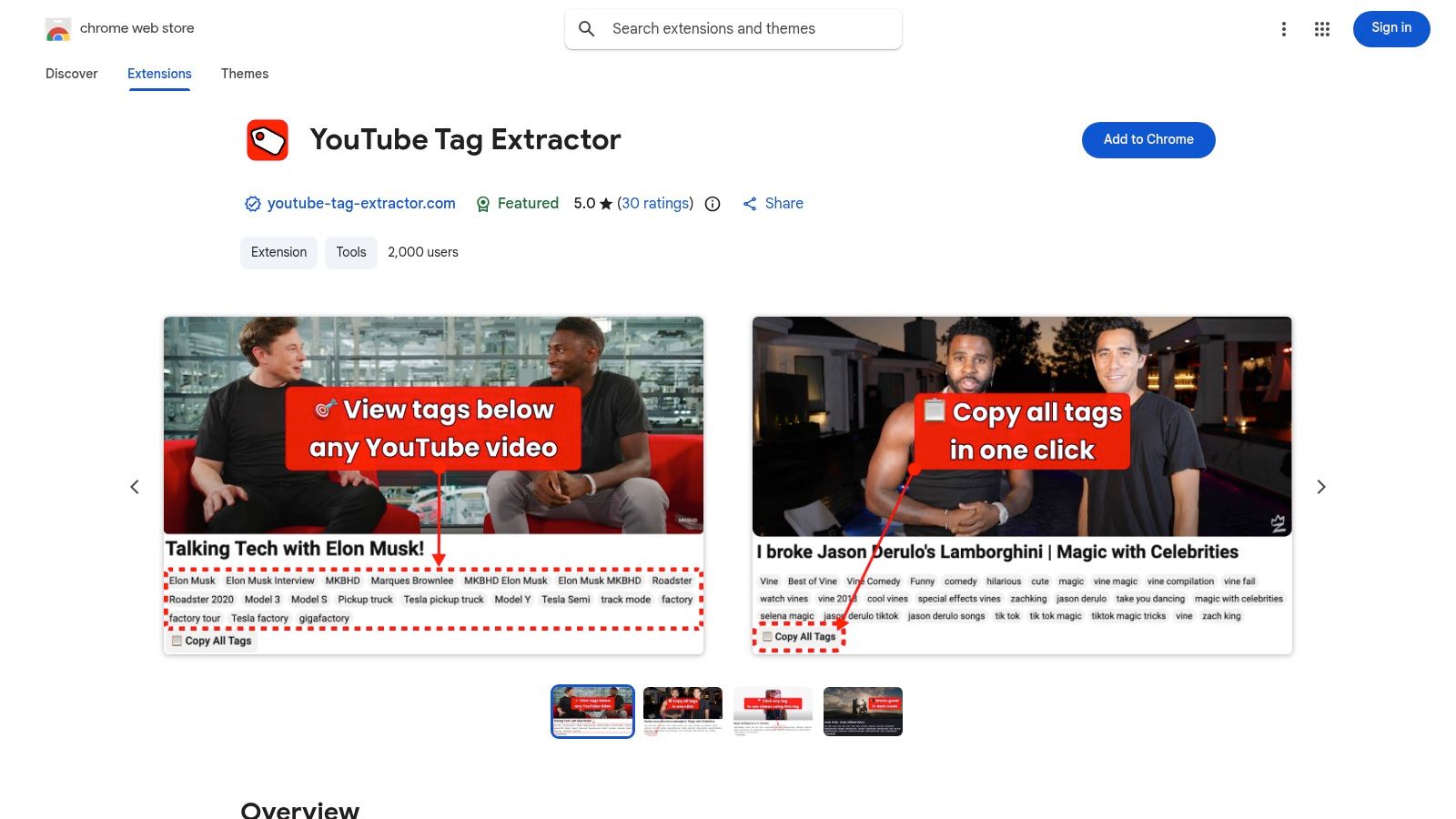
For creators who prefer a lightweight, “always-on” solution integrated directly into their browsing experience, this dedicated YouTube Tag Extractor extension from the Chrome Web Store is an excellent choice. It forgoes the complex dashboards of larger suites, focusing on one core function: displaying a video's tags directly on the YouTube watch page. Once installed, it automatically places a tag box beneath the video description, offering immediate insights without needing to copy and paste URLs into a separate tool.
Why It Stands Out
The standout feature is its simplicity and seamless integration. Unlike web-based tools that require you to leave YouTube, this extension makes tag analysis a natural part of competitor research. As you browse different videos in your niche, the tags are always visible, allowing you to spot patterns and keyword strategies on the fly. This frictionless workflow is perfect for quick, in-the-moment analysis rather than deep, data-heavy research sessions, making it a highly practical YouTube tag extractor for daily use.
Core Features & Limitations
Key Features:
- Inline Tag Display: Automatically shows all video tags in a dedicated box on the watch page.
- One-Click Copy: A simple button allows you to copy all displayed tags to your clipboard instantly.
- Real-Time Extraction: Tags appear as soon as the video page loads without manual intervention.
- Lightweight & Focused: Does one job effectively without consuming significant browser resources.
Pros & Cons:
| Pros | Cons |
|---|---|
| "Always-on" extraction removes the need to use a separate website. | Only works on desktop Chrome, limiting cross-browser usability. |
| Zero setup required beyond a simple installation from the store. | Does not analyse Shorts or provide any keyword volume data. |
| Completely free to use at the time of writing. | Lacks the advanced analytics and SEO scores of larger tools. |
Website: https://chromewebstore.google.com/detail/youtube-tag-extractor/onhanceemeoeeplkhpbndehpknoelfmd
12. Firefox Add‑ons – "YouTube Tag Extractor" (add-on)
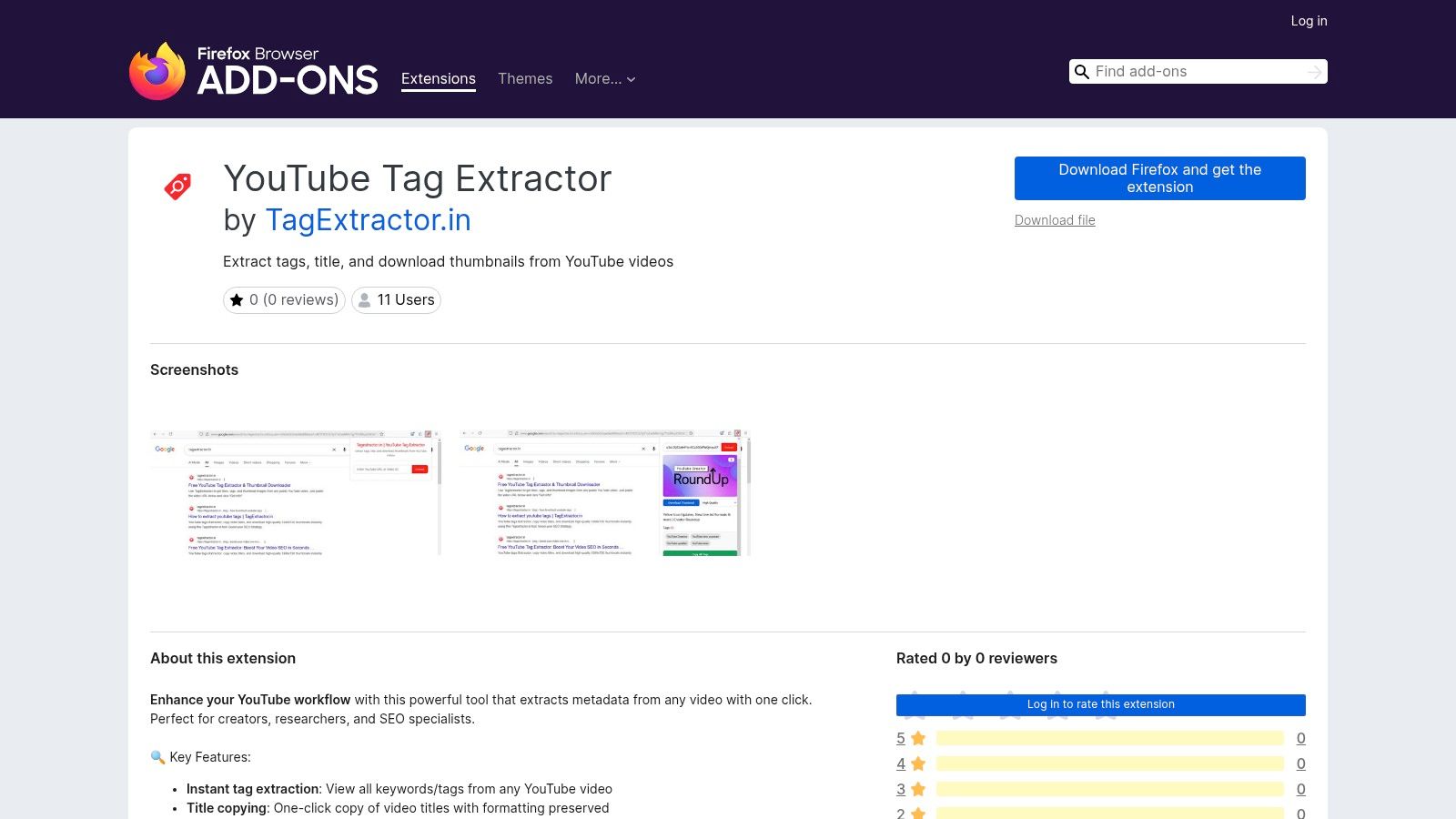
For creators dedicated to the Firefox browser, this aptly named "YouTube Tag Extractor" add-on offers a lightweight and privacy-conscious solution. It's a no-frills tool designed to do one job exceptionally well: grab a video's tags quickly and efficiently. Unlike larger suites, this add-on focuses on simplicity, adding a small panel directly below the video player where you can view, copy, or export tags with a single click. It also includes a handy thumbnail downloader, a unique bonus for its category.
Why It Stands Out
What distinguishes this tool is its commitment to being lean and unobtrusive. The developer explicitly states that it performs no background tracking, making it a trustworthy choice for privacy-focused users. Its dual functionality as both a tag extractor and a high-resolution thumbnail downloader provides a unique two-in-one utility. For a marketing manager creating a presentation on competitor strategies, this means they can pull both the SEO metadata (tags) and visual assets (thumbnails) from a single, streamlined tool, saving valuable time.
Core Features & Limitations
Key Features:
- One-Click Tag Copying: Instantly copies all video tags to your clipboard as a comma-separated list.
- Thumbnail Downloads: Ability to download a video's thumbnail in various resolutions, from SD to 4K.
- Simple UI Integration: Adds a small, collapsible box on the YouTube video page for easy access.
- Smart Video Detection: Automatically detects video IDs on any YouTube page to display the relevant tags.
Pros & Cons:
| Pros | Cons |
|---|---|
| Privacy-lean and lightweight with no background tracking. | Exclusively available for the Firefox browser. |
| Useful thumbnail download feature is included for free. | The interface is basic with no analytical data. |
| Completely free to use via the official Mozilla Add-ons hub. | Lacks advanced features like keyword scores or suggestions. |
Website: https://addons.mozilla.org/en-US/firefox/addon/youtube-tag-extractor/
YouTube Tag Extractors — 12-Tool Comparison
| Tool | Core features | UX & quality | Pricing & value | 👥 Target audience | ✨ Unique strengths / 🏆 |
|---|---|---|---|---|---|
| vidIQ | Tag extraction, AI keyword ideas, competitive insights | ★★★★★ — polished extension + dashboard | 💰 Free + Paid tiers (Pro/Boost) | 👥 Growth-focused creators & agencies | ✨ Mature ecosystem, in-product guidance 🏆 |
| TubeBuddy | Tag viewer, Keyword Explorer, SEO Studio, bulk tools | ★★★★★ — deep Studio integration | 💰 Free + Star/Legend paid tiers | 👥 Long-term creators & power users | ✨ Robust metadata tools & A/B tests 🏆 |
| TubeRanker – Tag Extractor | One-click extraction, rank tracker, title/desc gens | ★★★★☆ — focused, simple UI | 💰 Freemium; Pro for advanced features | 👥 Creators needing lightweight SEO | ✨ Purpose-built extractor + rank tracking |
| Keyword Tool (YouTube) | YouTube Autocomplete suggestions, localization, volumes | ★★★★☆ — fast suggestion lists | 💰 Free (no volumes) / Pro for metrics | 👥 Editors doing keyword expansion & localization | ✨ Hundreds of autocomplete suggestions |
| RapidTags | AI tag generator from title/keyword, one‑click copy | ★★★☆☆ — instant & mobile-friendly | 💰 Free | 👥 Creators wanting quick bulk ideas | ✨ Unlimited, no-account AI tag generation |
| YTtags – YouTube Tags Extractor | Paste-URL tag extraction, copy all, hashtag resources | ★★★☆☆ — lightweight, no signup | 💰 Free | 👥 Quick-lookup competitors & casual creators | ✨ Extremely fast, simple UX |
| YouTubeTag.com | Video & Shorts tag extractor + Chrome extension | ★★★☆☆ — web + extension workflow | 💰 Free | 👥 Creators who watch & extract in-browser | ✨ Explicit Shorts support; extension workflow |
| TagExtractor.net | URL extraction + AI-suggested tags fallback | ★★★☆☆ — simple, fast | 💰 Free | 👥 Creators facing hidden/missing tags | ✨ Auto-fallback AI suggestions for missing tags |
| InstantViews – Tag Extractor | Paste-URL extraction, tag guidance & best practices | ★★★☆☆ — API-backed, educational | 💰 Free | 👥 New creators learning tag strategy | ✨ Clear educational tips alongside extraction |
| MonetizeMojo – Tags Extractor | API-based extraction for videos/Shorts/live replays | ★★★☆☆ — cross-content support | 💰 Free | 👥 Research-focused creators across formats | ✨ Supports livestream replays & Shorts |
| Chrome Web Store – "YouTube Tag Extractor" (ext) | Inline tag display on watch pages, copy/export | ★★★☆☆ — always-on desktop extension | 💰 Free (extension) | 👥 Desktop Chrome users browsing competitors | ✨ Inline, zero‑paste extraction while watching |
| Firefox Add‑ons – "YouTube Tag Extractor" | One-click extraction, video ID detection, thumbnail downloads | ★★★☆☆ — privacy-lean, simple | 💰 Free | 👥 Firefox users who value privacy & thumbnails | ✨ Thumbnail download (SD→4K) + no-tracking claim |
Final Thoughts
Navigating the landscape of YouTube SEO can feel like trying to solve a complex puzzle, but as we've explored, the right tools can provide a crucial piece of that puzzle. A youtube tag extractor is far more than a simple keyword finder; it’s a strategic intelligence tool that offers a direct window into the tactics of successful creators in your niche. By deconstructing what works for top-performing videos, you move beyond guesswork and start making data-informed decisions about your own content strategy.
Throughout this guide, we've analysed a diverse range of options, from the comprehensive, all-in-one dashboards of vidIQ and TubeBuddy to the focused, single-purpose web apps like TubeRanker and RapidTags. Each tool serves a distinct purpose, catering to different workflows and budgets. Realising that there is no single "best" tool is the first step; the most effective choice is the one that aligns seamlessly with your specific needs as a creator.
Choosing Your Ideal YouTube Tag Extractor
Making the right selection comes down to evaluating your own creative process and technical requirements. Here's a quick framework to guide your decision:
- For the Data-Driven Strategist: If you thrive on deep analytics and want a tool that integrates tag extraction with a full suite of channel management features, browser extensions like vidIQ or TubeBuddy are your best bet. They centralise your workflow, allowing you to analyse competitor tags, track keyword rankings, and optimise your own videos all within the YouTube interface.
- For the Quick-Fire Ideator: If your primary goal is rapid brainstorming and keyword harvesting for a new video idea, a dedicated web-based
youtube tag extractorlike TubeRanker or RapidTags is incredibly efficient. These tools are built for speed: paste a URL, get tags instantly, and move on. They are perfect for quick, on-the-fly research without the commitment of installing software. - For the Privacy-Conscious Creator: If you are wary of granting browser extensions broad permissions, standalone websites or the manual "View Page Source" method offer a secure alternative. While the manual approach is more technical, it guarantees that no third-party service is accessing your browsing data, providing complete peace of mind.
Beyond Extraction: The Strategic Application
Remember, the ultimate value of a youtube tag extractor isn't just in the list of keywords it generates. The real power lies in how you interpret and apply that information. Don't simply copy and paste a competitor's tags verbatim; this is a common mistake that can actually hinder your growth. Instead, use the extracted tags as a foundation for a more nuanced strategy.
Analyse the patterns you see. Are top creators using a mix of broad, high-volume keywords and specific, long-tail phrases? Are there brand-specific tags you should avoid? Use this intelligence to build a unique, relevant, and comprehensive tag list that accurately reflects your video's content while strategically targeting the discovery algorithms. This analytical step transforms tag extraction from a reactive tactic into a proactive strategy for sustainable channel growth.
Ultimately, these tools are catalysts for creativity and strategic thinking. They empower you to understand the competitive landscape, identify content gaps, and refine your SEO approach with precision. By integrating a youtube tag extractor into your regular workflow, you equip yourself with the insights needed to not just participate in the conversation, but to lead it.
Feeling inspired but want to take your ideation process a step further? While a youtube tag extractor helps you understand what's already working, Vidito helps you discover what your audience will want to watch next. Our platform uses AI to analyse trends and validate your video ideas against real search demand, ensuring you invest your creative energy into content destined for success. Try Vidito today and turn powerful insights into high-performing videos.