The 12 Best YouTube Description Maker Tools for 2025
Your YouTube description is a powerful tool for discovery, engagement, and conversion, yet it's often the last thing creators think about. A well-crafted description helps YouTube's algorithm understand your video's context, pushing it to the right audience. It also gives viewers crucial information, links to resources, and a clear reason to subscribe or take the next step. The principles behind crafting them closely mirror those of learning how to write meta descriptions for web pages, as both are vital for discoverability and user click-through.
However, writing compelling, SEO-optimised descriptions for every single video is a significant time commitment, especially for busy creators. This is precisely the problem a YouTube description maker is designed to solve. These platforms, often powered by AI, streamline the entire process, saving you valuable hours while helping you generate descriptions packed with relevant keywords, structured layouts, and effective calls-to-action.
This guide dives deep into the best YouTube description maker tools available today. We've analysed each platform's features, pricing, and ideal use cases to help you find the perfect fit for your workflow. Each review includes screenshots and direct links, so you can quickly compare options and choose the tool that will elevate your channel's performance.
1. vidIQ
vidIQ is more than just a standalone tool; it's a comprehensive YouTube growth suite with an AI Description Generator built directly into its browser extension. This makes it an exceptional youtube description maker for creators who prioritise efficiency and SEO. Its key advantage is workflow integration. You can generate optimised descriptions directly within the YouTube upload screen, using your video title or target keywords as a prompt, without ever needing to switch tabs.
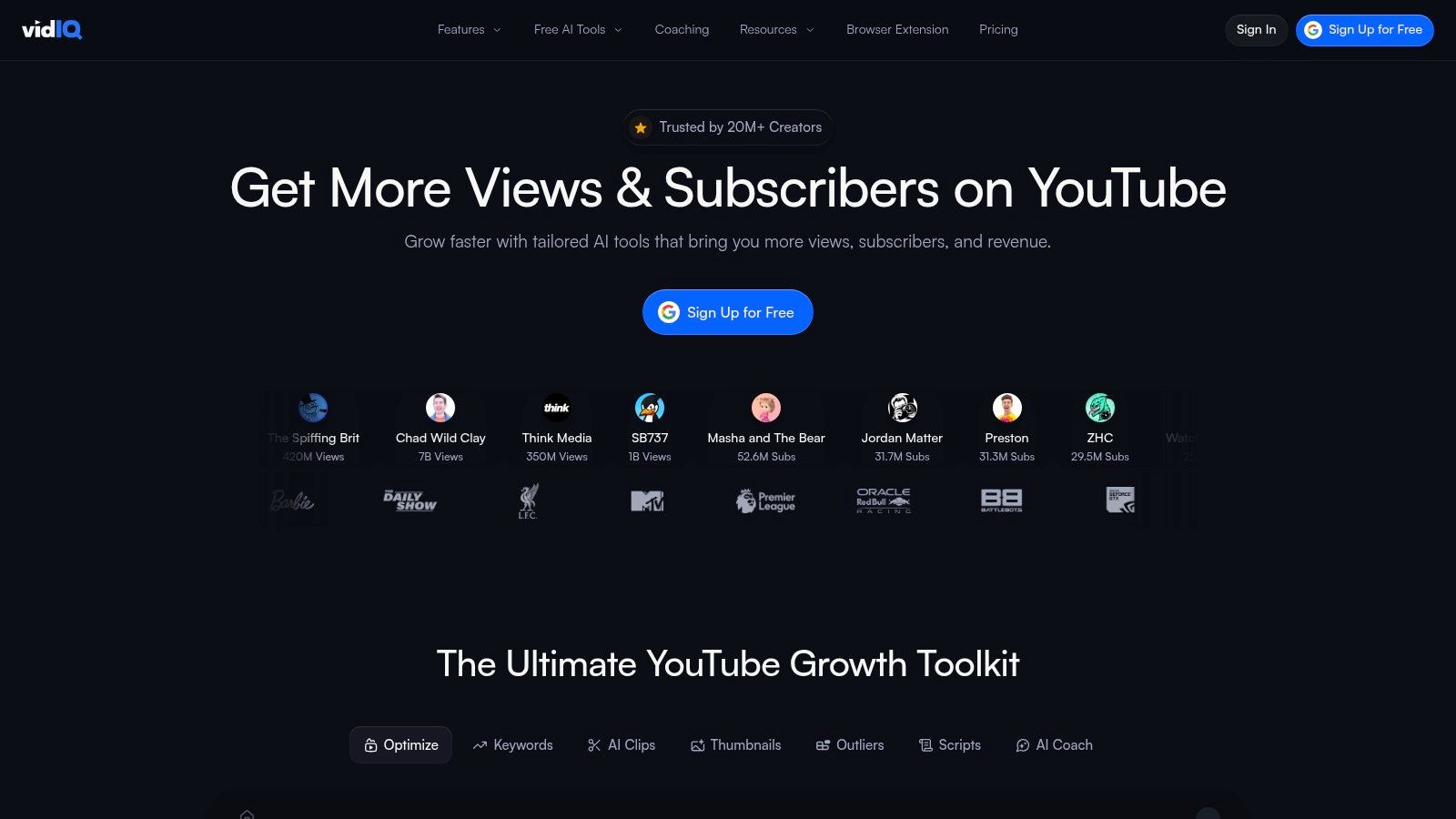
The platform’s strength lies in pairing its AI writer with powerful keyword research and analytics tools. This allows you to not only generate a compelling narrative but also ensure it's packed with relevant, high-traffic keywords. The process is a core part of a streamlined video upload workflow on YouTube, saving significant time. For example, a tech review channel like MKBHD could use vidIQ to input the title "iPhone 16 Pro Max Review" and instantly get a description draft that includes high-ranking keywords like "best smartphone 2025," "camera test," and "battery life," all without leaving the YouTube upload page. If you're exploring beyond vidIQ for YouTube optimisation, consider looking into various vidIQ alternatives.
Best For and Pricing
- Best For: Creators who want an all-in-one SEO and description generation tool that lives inside their YouTube dashboard.
- Pricing: A free plan is available with limited AI credits to test the generator. Paid plans (Pro, Boost, and Max) offer more credits or unlimited generation alongside advanced analytics, starting from around £8 per month.
Pros & Cons
| Pros | Cons |
|---|---|
| ✅ Native integration into the YouTube upload process | ❌ Limited AI credits on lower-tier plans |
| ✅ Combines generation with robust SEO/keyword data | ❌ Most powerful features require a subscription |
| ✅ Free tier available to test core functionality | ❌ Can feel complex for absolute beginners |
Website: https://vidiq.com/
2. Canva
Canva is renowned as a design platform, but its "Magic Write" AI tool extends its utility to include a powerful youtube description maker. This is ideal for creators who manage their entire brand aesthetic, from thumbnails to channel banners, within Canva. The key benefit is a unified workflow; you can design your video's visual assets and generate its copy in the same project, ensuring seamless brand consistency without juggling multiple applications.
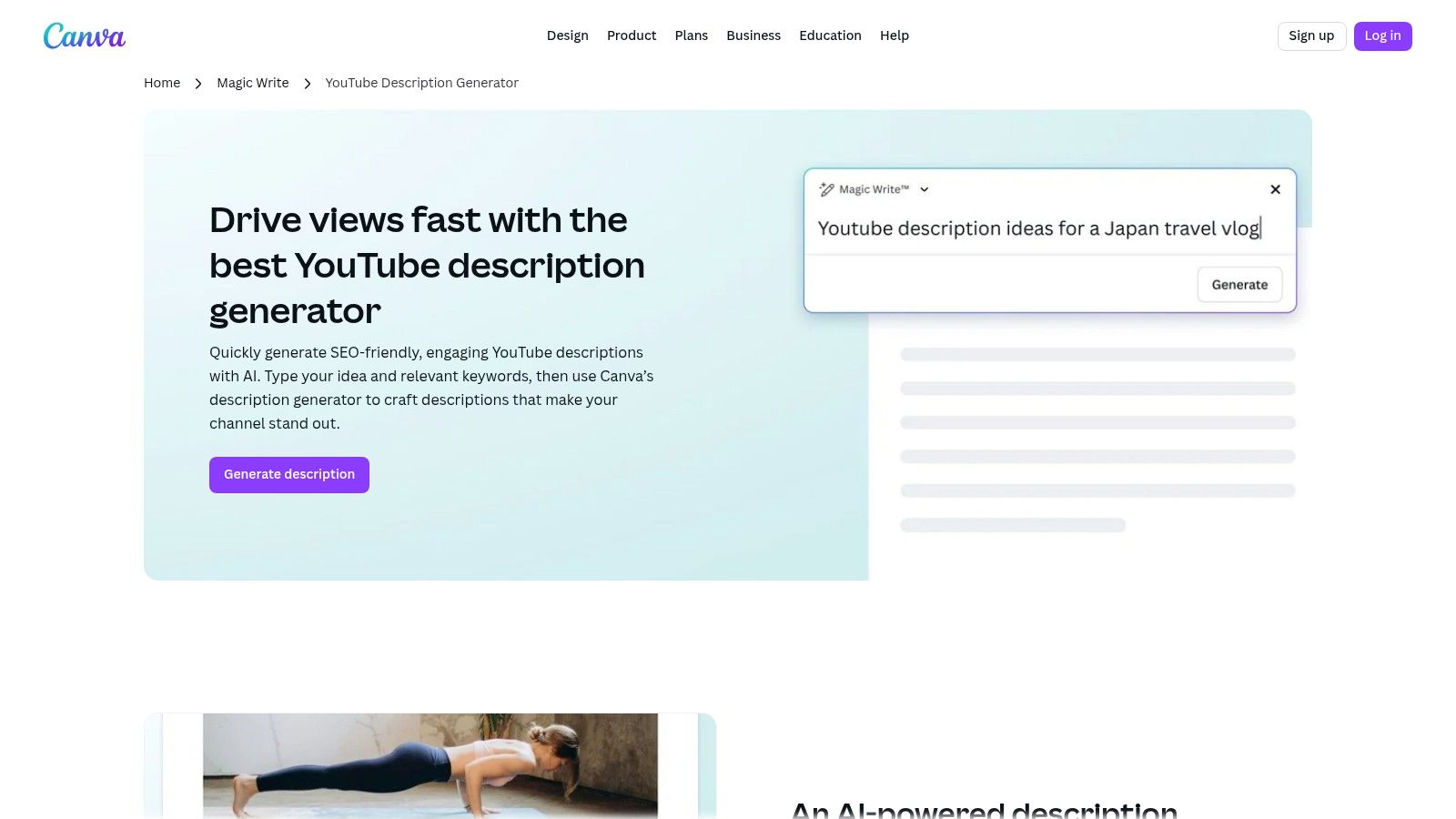
The generator allows you to specify a tone, include target keywords, and even leverage Canva Pro’s “Brand Kit” to maintain your channel's specific voice across all generated text. This integrated approach simplifies content creation. For example, a cooking creator like Joshua Weissman could design a "Perfect Sourdough" thumbnail in Canva, then immediately use Magic Write to generate a description in his signature "bold and confident" tone, all within the same project file. It turns Canva from a simple design tool into a holistic content creation hub.
Best For and Pricing
- Best For: Solo creators and teams who already use Canva for thumbnails and channel art and want to keep their copy and design processes in one place.
- Pricing: A generous free plan includes access to Magic Write with a lifetime limit of 50 uses. Paid plans (Pro and Teams) offer significantly more AI credits and unlock the Brand Kit feature, starting from £12.99 per month.
Pros & Cons
| Pros | Cons |
|---|---|
| ✅ All-in-one suite for both visuals and text generation | ❌ Best brand and AI features are on paid plans |
| ✅ Brand Kit feature ensures consistent tone and voice | ❌ Requires working inside the Canva ecosystem |
| ✅ Streamlines the entire content creation workflow | ❌ AI writing is a feature, not the core focus |
Website: https://www.canva.com/features/youtube-description-generator/
3. VEED.IO
VEED.IO is primarily known as a powerful online video editor, but it also offers a simple and effective free youtube description maker. This tool is perfect for creators who need a quick, no-fuss solution for generating descriptions without signing up for a complex platform. Its main strength is its seamless integration into the VEED ecosystem, allowing you to edit your video and generate its description in the same workspace.
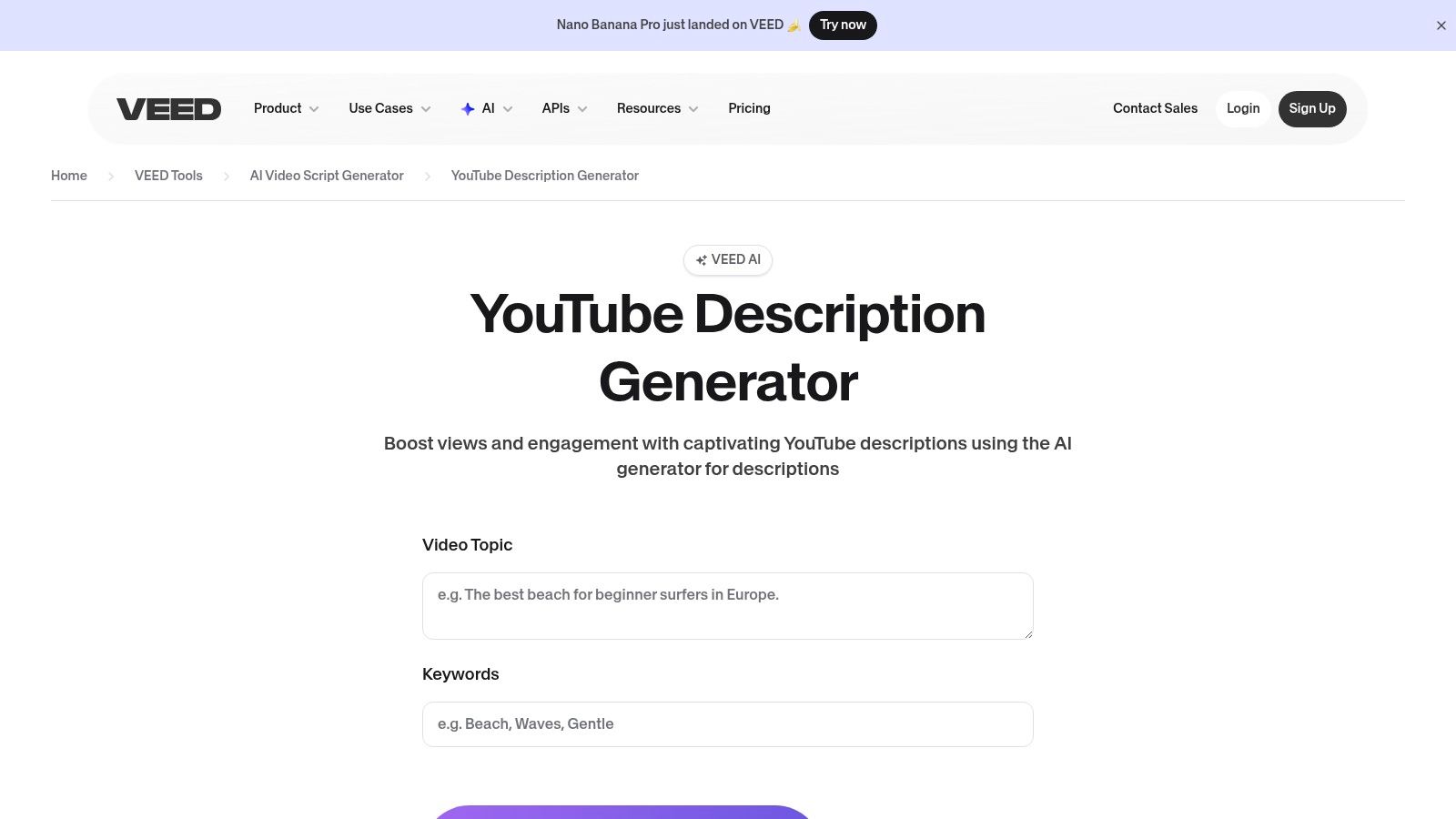
The generator operates on a simple prompt system where you input a topic or keywords, and it provides several description options that you can copy with a single click. While the initial output is solid, it often serves as an excellent starting point that can be enhanced with specific keywords or personalised calls-to-action. For instance, a DIY creator could finish editing a video on "building a bookshelf" in VEED, then immediately generate a description draft, copy it, and manually add their affiliate links for the tools used in the video before publishing. It's a fantastic, friction-free tool for centralising their content creation process.
Best For and Pricing
- Best For: Creators already using VEED’s online video editor or those needing a fast, free tool for initial description drafts.
- Pricing: The YouTube description generator is completely free to use. The more advanced features within the VEED video editor require a subscription, with paid plans starting from £10 per month.
Pros & Cons
| Pros | Cons |
|---|---|
| ✅ Completely free with no sign-up required for the generator | ❌ Outputs may need manual SEO or tonal adjustments |
| ✅ Fast, no-friction generation process | ❌ Advanced video editing tools require a paid plan |
| ✅ Good for users already editing videos within VEED | ❌ Lacks the deep SEO analytics of dedicated tools |
Website: https://www.veed.io/tools/script-generator/youtube-description-generator
4. Hootsuite
Hootsuite offers a free, web-based tool that functions as a straightforward and structured youtube description maker. Unlike integrated suites, this is a standalone generator powered by ChatGPT, making it perfect for quick, one-off tasks. Its main advantage is the guided input system; you simply fill in fields for your video topic, target keywords, call-to-action, and language, and it generates a well-organised description.
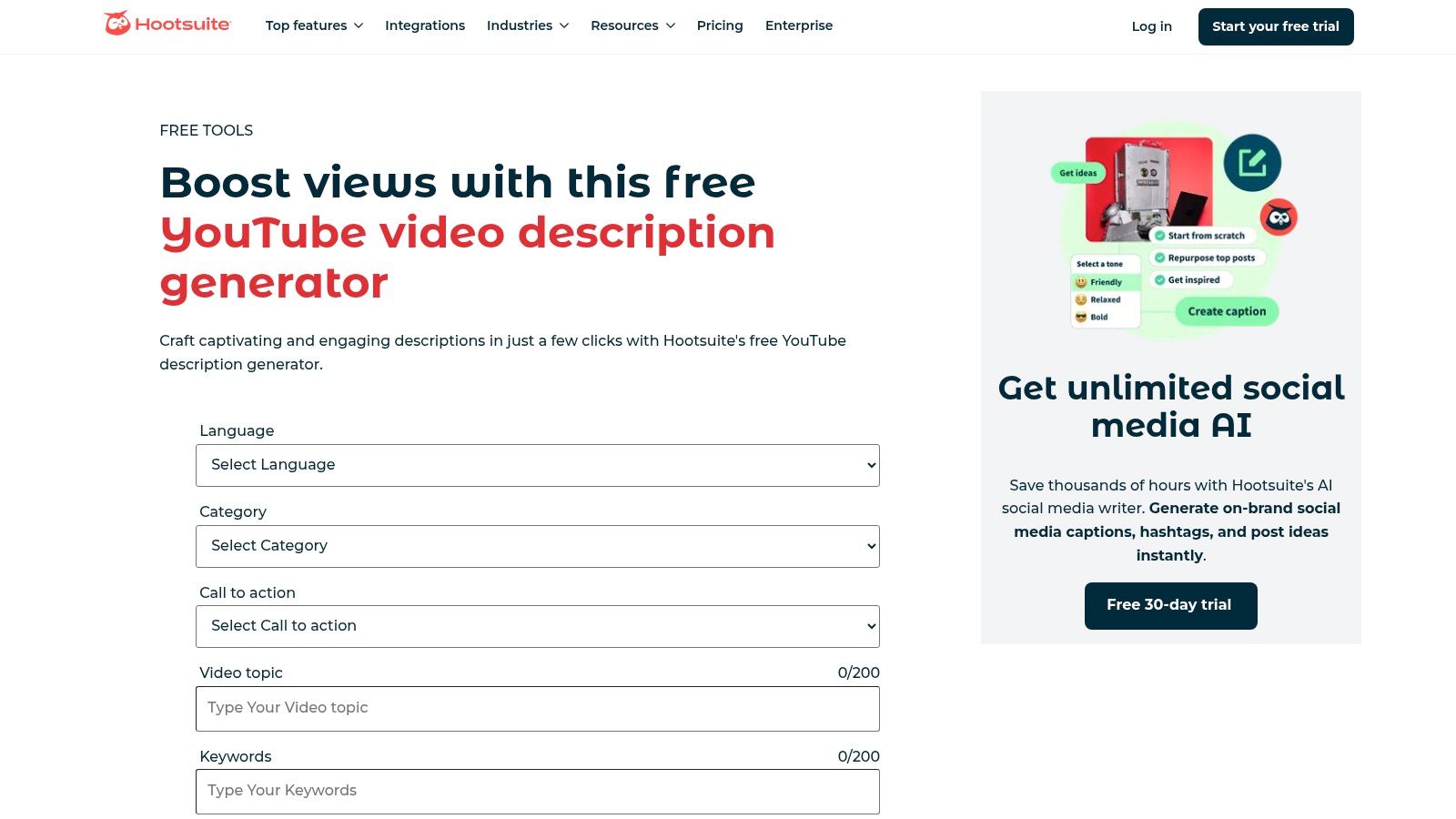
The platform’s strength is its simplicity and its focus on prompting users for key SEO elements from the start. This approach nudges creators towards best practices without requiring deep SEO knowledge. For example, a social media manager for a fitness brand can use this tool to quickly create a description for a "10-Minute HIIT Workout" video, ensuring they input "at-home fitness" and "no equipment workout" as keywords and "Download our app" as the CTA, resulting in a structured, SEO-friendly output. Integrating this tool into a wider strategy can be part of an effective content calendar creation process, ensuring consistency.
Best For and Pricing
- Best For: Social media managers and creators who want a simple, free tool for generating structured descriptions without a software subscription.
- Pricing: The YouTube description generator tool is completely free to use. Access to Hootsuite's full social media scheduling and analytics platform requires a paid subscription, starting from £89 per month.
Pros & Cons
| Pros | Cons |
|---|---|
| ✅ Completely free tool for description generation | ❌ Not embedded directly within the YouTube Studio upload interface |
| ✅ Well-guided inputs nudge creators towards SEO best practices | ❌ Deeper social management features require a paid Hootsuite plan |
| ✅ Supports multiple languages (EN, FR, DE, IT, ES) | ❌ Lacks advanced keyword research data of specialised tools |
Website: https://www.hootsuite.com/social-media-tools/youtube-video-description-generator
5. Descript
Descript offers a unique angle as a youtube description maker, leveraging its core strength as a powerful audio and video editor. Its ‘Ask AI’ feature can generate a full YouTube description directly from your video's transcript. This approach ensures unparalleled accuracy and relevance, as the AI understands the exact content of your video, rather than just relying on a title or keywords. It can even auto-generate titles, chapters with timestamps, and relevant keywords based on the spoken words.
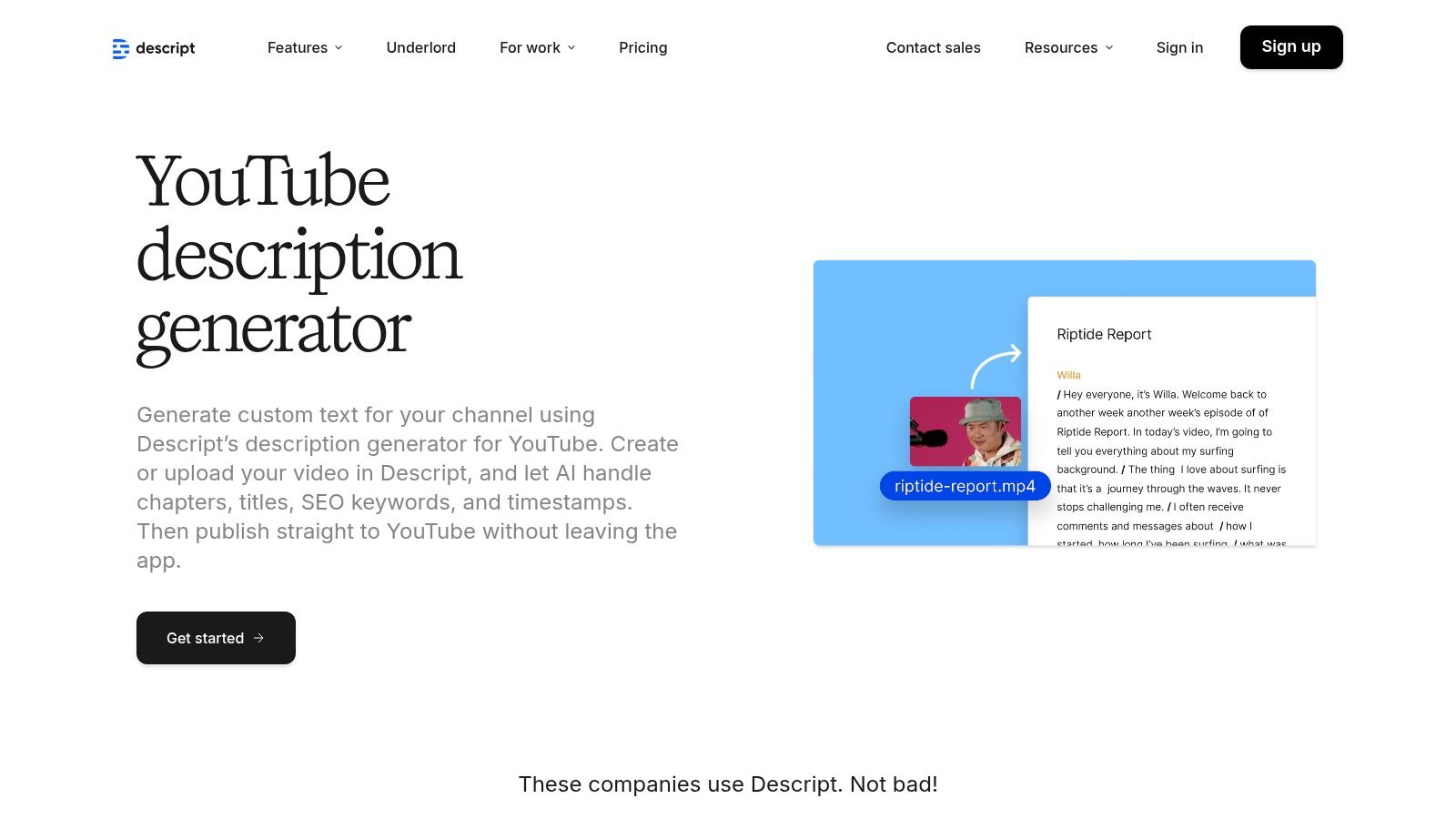
The platform’s major advantage is its all-in-one workflow. For creators who already use Descript to edit their podcasts or videos by editing text, this feature is a natural final step before publishing. For example, a podcast channel like The Diary Of A CEO can edit an entire interview in Descript, then use ‘Ask AI’ to automatically generate timestamps for key topics (e.g., 05:15 - Overcoming Early Failures) and a summary description, all pulled directly from the conversation. This saves a considerable amount of time and streamlines the entire content creation process from editing to deployment.
Best For and Pricing
- Best For: Podcasters and creators who edit their videos using Descript's transcript-based editor and want a fully integrated description tool.
- Pricing: A free plan is available with limited transcription and AI features. Paid plans (Creator, Pro) unlock more powerful AI capabilities and export options, with prices starting from around £12 per month.
Pros & Cons
| Pros | Cons |
|---|---|
| ✅ Transcript-aware descriptions offer high accuracy | ❌ Requires the video project to be in Descript |
| ✅ Automatically generates chapters and timestamps | ❌ Most useful AI features are on paid tiers |
| ✅ Direct publishing to YouTube streamlines the workflow | ❌ Can be overkill if you only need a description tool |
Website: https://www.descript.com/tools/youtube-description-generator
6. Castmagic
Castmagic excels at repurposing audio and video content, making it a powerful youtube description maker for podcasters and creators with long-form videos. Its unique workflow begins by transcribing your content from an uploaded file or a direct YouTube URL. From this transcript, it automatically generates a full suite of SEO assets, including multiple description options, titles, and relevant keywords. This makes it ideal for batch-processing episodes or efficiently converting a single recording into optimised YouTube content.

The platform’s strength is its ability to extract key themes and talking points directly from your spoken words, ensuring the generated description is highly relevant and authentic to the video's content. A case study could be an educational channel like CrashCourse. They could upload a 15-minute history video URL into Castmagic, and the tool would automatically generate a summary description, a list of key historical figures mentioned, and timestamps for each section of the lesson, all ready to be pasted into YouTube. This is perfect for anyone looking to streamline the conversion of a podcast interview or webinar into a discoverable YouTube video without writing from scratch.
Best For and Pricing
- Best For: Podcasters, interviewers, and creators repurposing extensive audio or video content for YouTube.
- Pricing: Castmagic offers tiered subscription plans based on upload minutes. Plans start from around £31 per month for 120 minutes of uploads, with higher-tier Hobby, Starter, and Pro plans available for more volume.
Pros & Cons
| Pros | Cons |
|---|---|
| ✅ Efficiently repurposes long-form content | ❌ Upload and transcription step adds extra time |
| ✅ Generates multiple SEO assets in one go | ❌ Subscription required for higher volume usage |
| ✅ URL import simplifies the workflow | ❌ Less suited for short, scripted videos |
Website: https://www.castmagic.io/tools/youtube-description-generator
7. OneUp
OneUp offers a completely free, no-signup youtube description maker as part of its broader social media scheduling toolkit. Its primary appeal is immediate access. Creators can generate descriptions instantly by providing a video title, without the friction of creating an account, logging in, or committing to a subscription. This makes it an ideal bookmark for those one-off moments when you need a quick, well-structured description without any hassle.
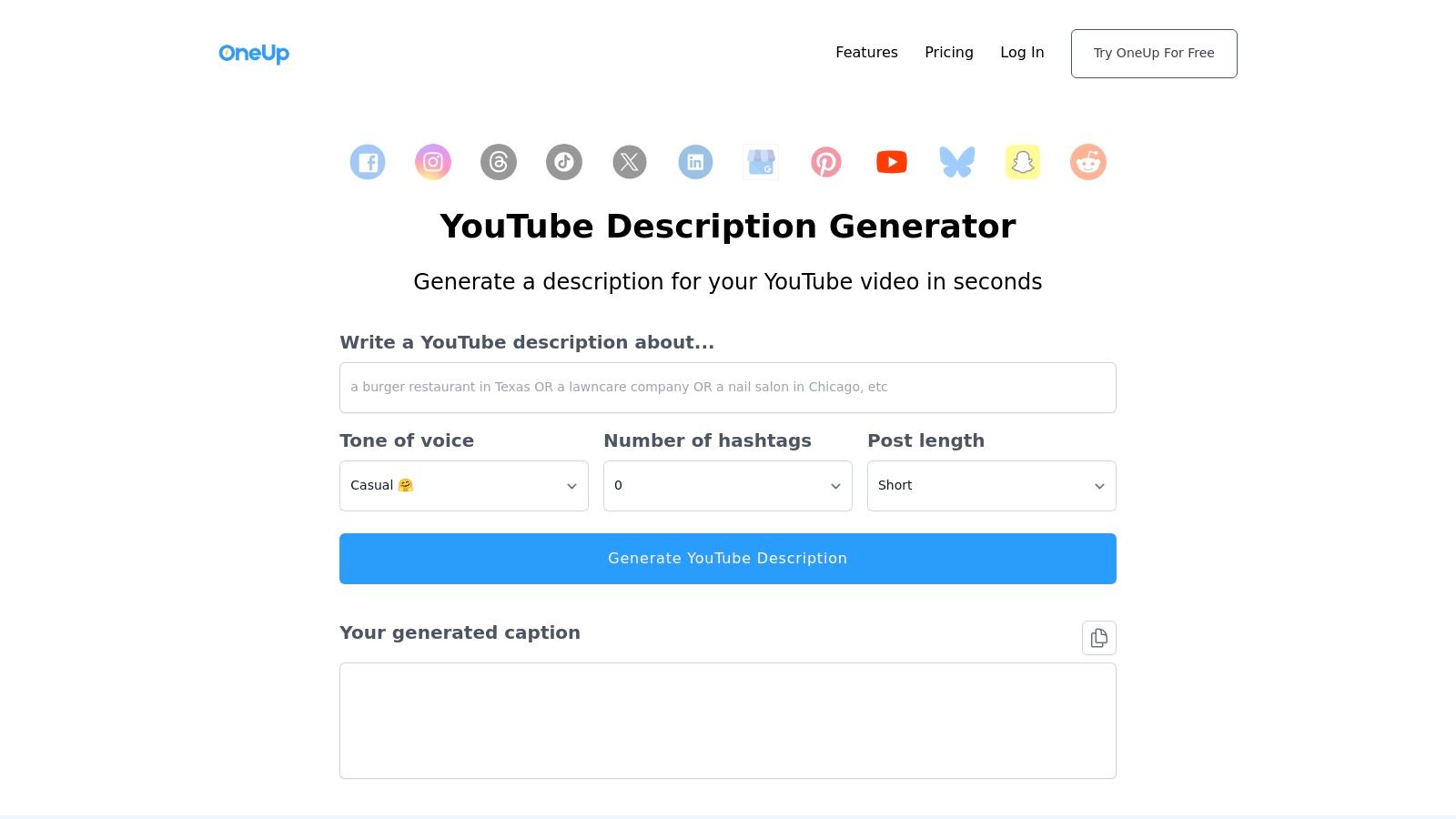
While the generator is a free-standing tool, it serves as a gateway to OneUp's full social media management platform, which supports scheduling for YouTube, TikTok, and other networks. The generator itself is straightforward, focusing on a single input (your title) to produce a single, concise output. For example, a gaming creator who just finished a livestream and needs to upload a highlight clip titled "My Craziest Victory Royale in Fortnite" can pop that title into OneUp and get a decent description in seconds, allowing them to publish quickly and move on. This simplicity is its greatest strength.
Best For and Pricing
- Best For: Creators needing a quick, no-cost description without any registration or setup required.
- Pricing: The YouTube description generator is completely free to use. The full social media scheduling platform offers various paid plans with a free trial available.
Pros & Cons
| Pros | Cons |
|---|---|
| ✅ Zero setup; instant use without an account | ❌ Fewer controls than dedicated AI writing tools |
| ✅ Genuinely free to use with no hidden costs | ❌ Typically returns a single output per generation |
| ✅ Clean, simple, and very easy-to-use interface | ❌ Lacks advanced SEO or keyword integration features |
Website: https://www.oneupapp.io/youtube-post-generator
8. Nuelink
Nuelink offers a straightforward and completely free youtube description maker that serves as an excellent entry point into its wider social media automation platform. Its primary appeal is its simplicity and accessibility. You can generate a description based on your video title and keywords without needing to sign up, making it a zero-commitment tool for quick and effective copy. The generator includes simple toggles to automatically add relevant emojis and hashtags, adding a layer of optimisation with a single click.
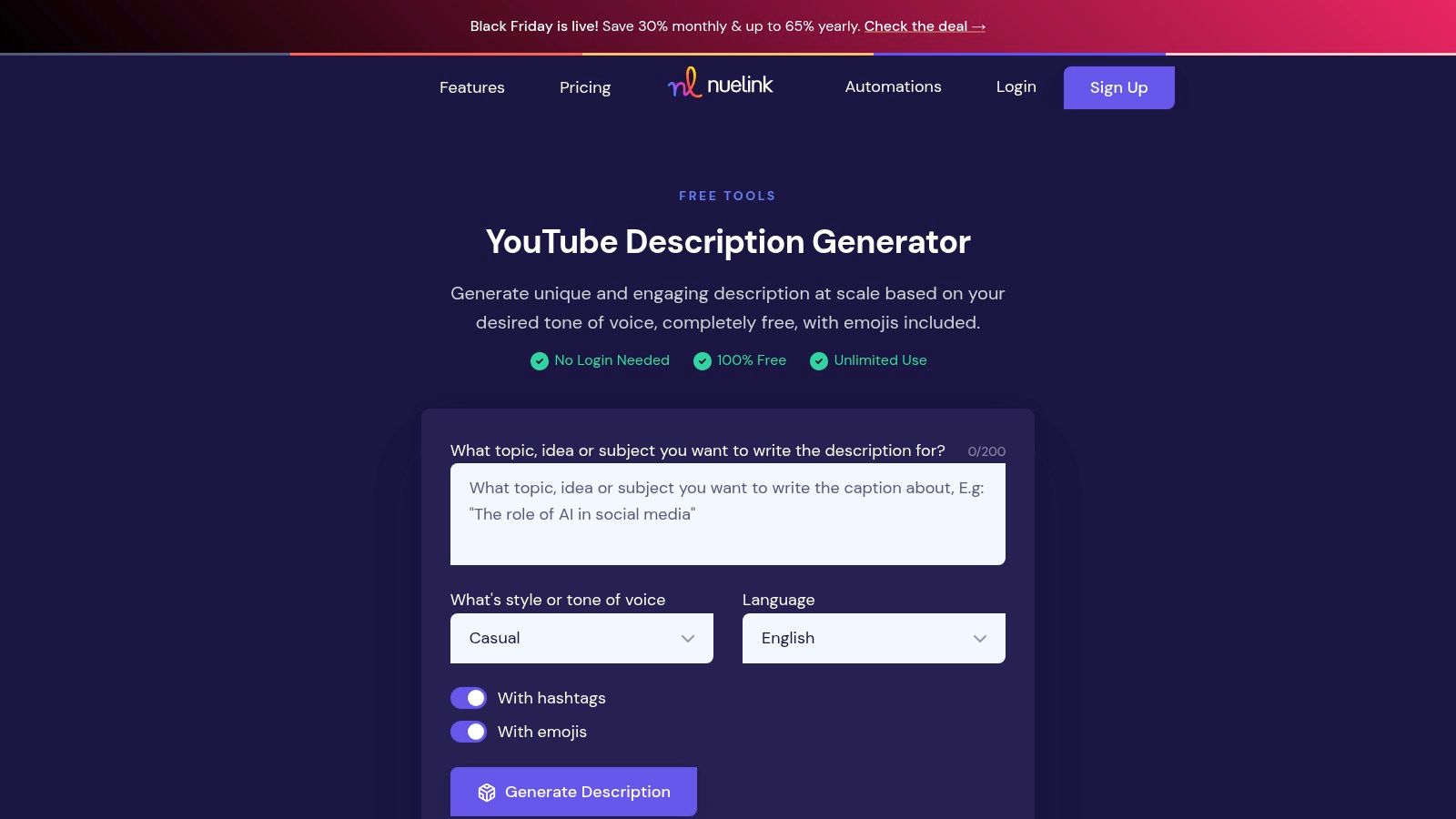
While the free tool is a standalone feature, it’s designed to be a gateway to Nuelink’s full suite of scheduling and automation tools. This makes it a great choice for creators who are just starting to think about automating their cross-platform promotion. For example, a cooking channel creator could use the free generator for their weekly recipe video, and if they find it useful, they can upgrade to automatically schedule posts promoting that same video across Twitter, Facebook, and Pinterest.
Best For and Pricing
- Best For: New creators or social media managers looking for a no-cost, no-login generator with an easy upgrade path to full social media automation.
- Pricing: The YouTube Description Generator tool is completely free for unlimited use. Nuelink's full automation suite offers paid plans starting from around £15 per month.
Pros & Cons
| Pros | Cons |
|---|---|
| ✅ Completely free to use with no account required | ❌ Generates only one description per attempt |
| ✅ Simple interface with optional emojis and hashtags | ❌ Lacks the deep SEO analytics of dedicated tools |
| ✅ Serves as a great trial for their larger automation suite | ❌ Advanced automation features are behind a paywall |
Website: https://nuelink.com/tools/youtube-description-generator
9. Writecream
Writecream offers a highly accessible and versatile youtube description maker perfect for creators who need to generate multiple ideas quickly. Its standout feature is the ability to produce several unique description variants from a single prompt. This is ideal for A/B testing different narrative styles or simply for having a range of creative options to choose from without starting from scratch each time.
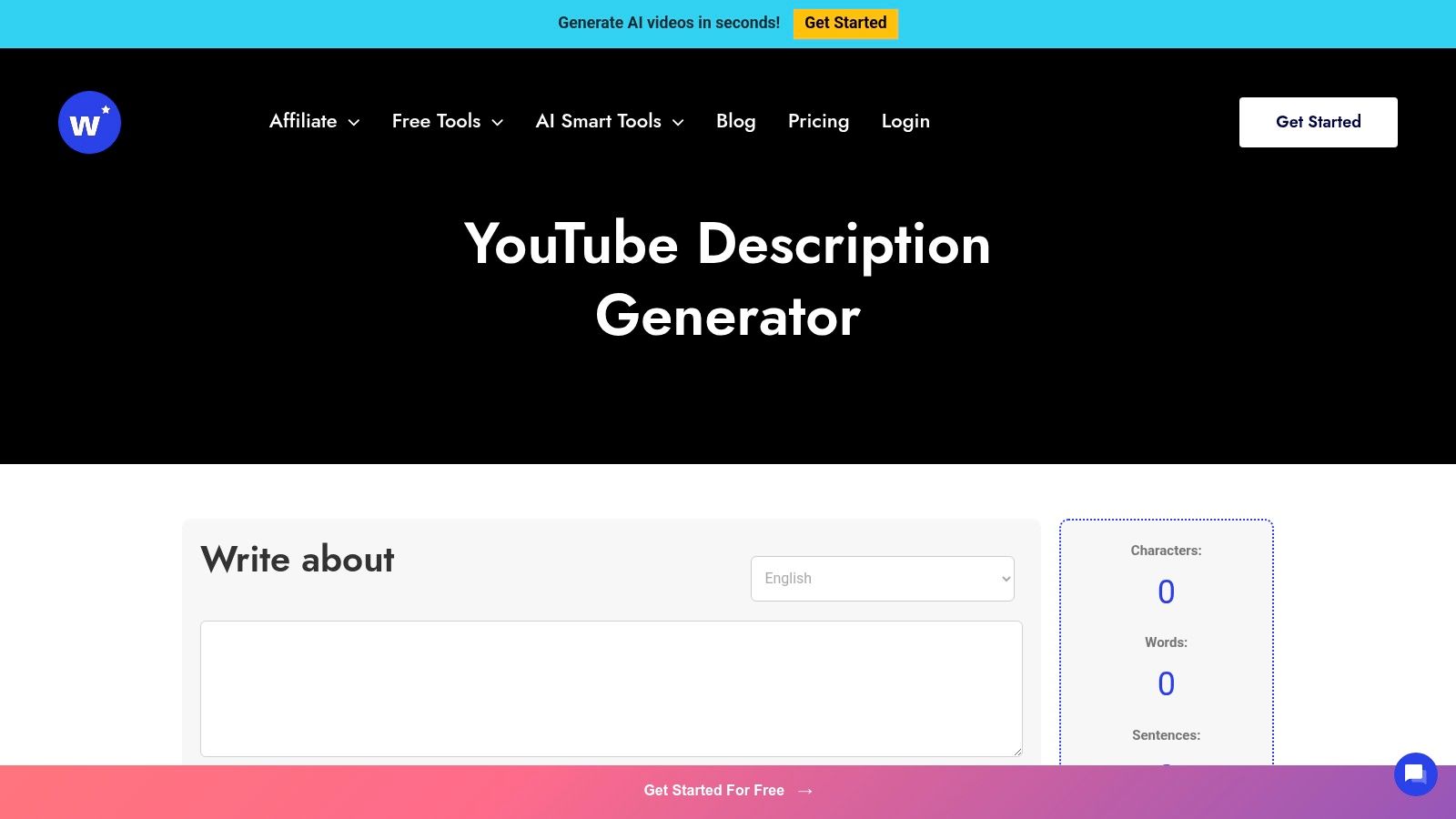
The platform gives you direct control over the tone of voice and the target word count, allowing for customised outputs that align with your channel's brand. A practical example would be a channel reviewing films. They could input the movie title and set the tone to "Analytical" for one output, "Humorous" for another, and "Excited" for a third. They can then choose the description that best matches the specific angle of their video review. While the drafts are strong, you will likely need to refine them with keywords identified through dedicated YouTube keyword research tools to fully optimise for search.
Best For and Pricing
- Best For: Creators who want to rapidly generate multiple description drafts to compare and test without any initial cost or complex setup.
- Pricing: A free forever plan is available, which includes a set number of monthly credits. Paid plans start from around $29 per month for higher credit limits and access to the full suite of writing tools.
Pros & Cons
| Pros | Cons |
|---|---|
| ✅ Generates multiple variants for easy A/B testing | ❌ Outputs may require manual SEO refinement |
| ✅ Free forever plan is generous and easy to start | ❌ The broader Writecream suite requires a subscription |
| ✅ Controls for tone and length offer customisation | ❌ Interface is part of a larger toolkit, not YouTube-native |
Website: https://www.writecream.com/youtube-description-generator/
10. TextCortex
TextCortex offers a simple and accessible youtube description maker as part of its wider AI writing toolkit. It stands out for its strong multi-language support, making it an excellent choice for creators targeting global audiences or producing content in languages other than English. The interface is clean and straightforward, asking for just a video title, target audience, and desired tone to generate a well-structured description. This simplicity makes it highly efficient for quick content generation.
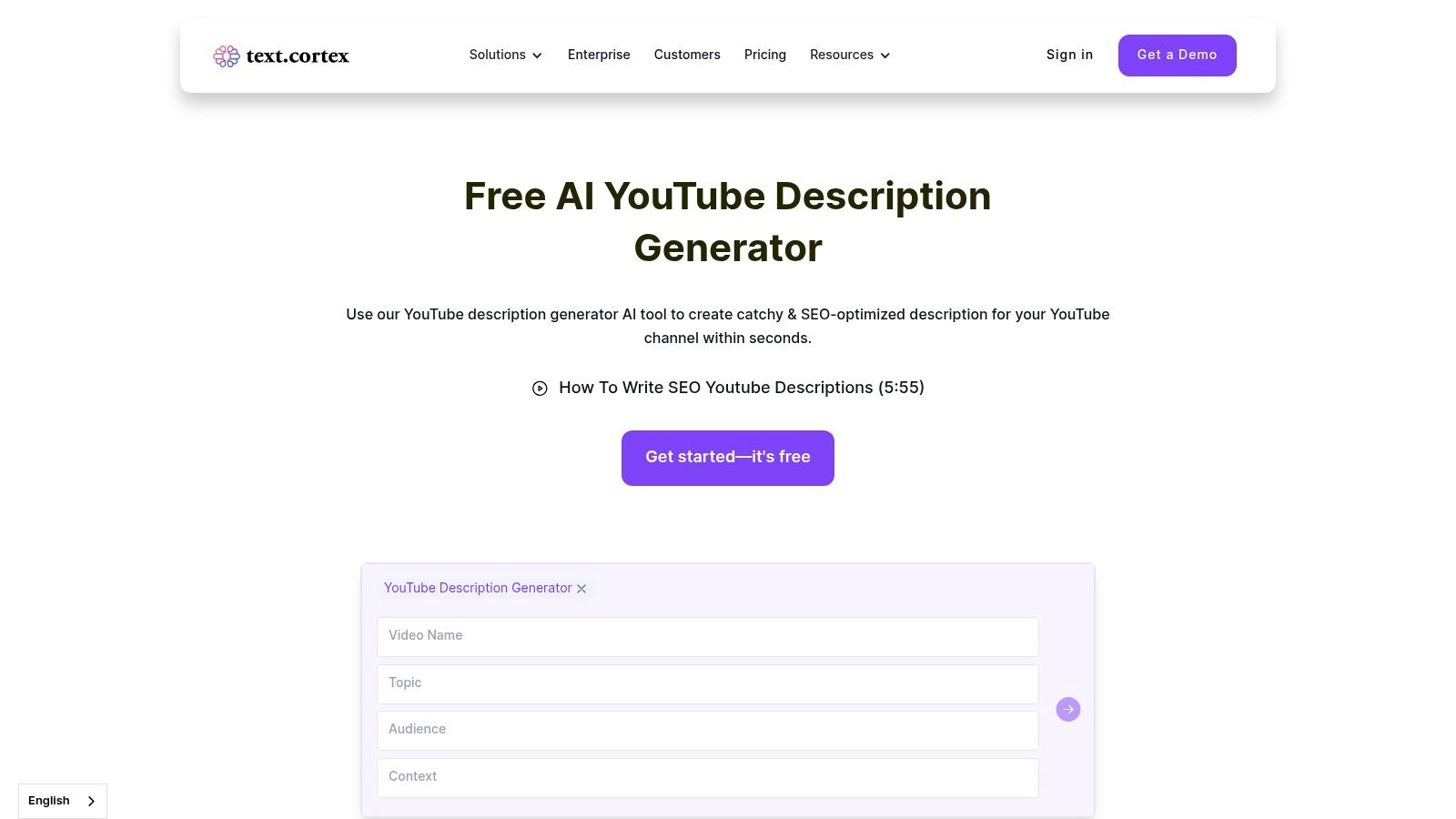
While the standalone generator is great for core narrative, its real power is unlocked when used with TextCortex's full suite, which includes a browser extension and more advanced writing features. For example, a travel vlogger creating content in Spanish can use the tool to quickly draft an engaging description in their native language and then refine it using the platform's paraphrasing and tone adjustment capabilities, ensuring the final text perfectly matches their channel's voice.
Best For and Pricing
- Best For: International creators or those managing non-English channels who need a fast, multi-language description tool.
- Pricing: A free plan is available with daily creation credits, requiring no credit card to start. Paid plans (Lite and Unlimited) unlock more features and higher usage limits, starting from around £20 per month.
Pros & Cons
| Pros | Cons |
|---|---|
| ✅ Excellent support for over 30 languages | ❌ Lacks deep, integrated SEO keyword research features |
| ✅ Lightweight, simple, and very easy to use | ❌ Most advanced capabilities are locked in the paid suite |
| ✅ Free tier is generous enough for regular use | ❌ Less focused on the specific YouTube creator workflow |
Website: https://textcortex.com/youtube-description-generator
11. Flixier
Flixier integrates a free AI YouTube description generator directly into its cloud-based video editing suite. This unique approach makes it an excellent youtube description maker for creators who value a consolidated workflow, allowing them to move seamlessly from generating video copy to editing their footage within the same browser tab. You can input your video's topic and desired tone, and the AI produces a description you can then refine and immediately pair with your video project.
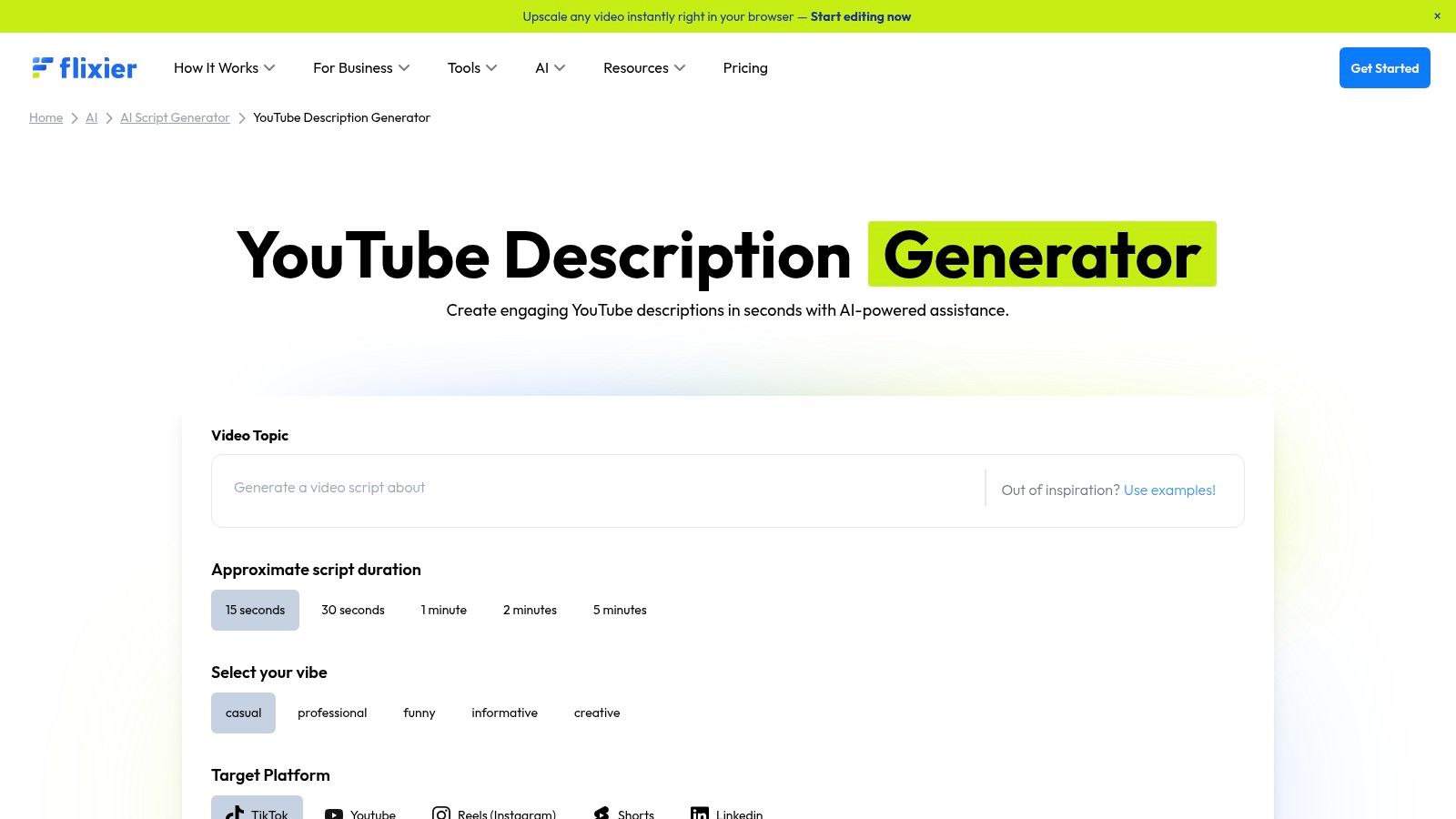
The platform’s core advantage is its all-in-one, browser-based ecosystem. After generating your description, you can use Flixier’s comprehensive editing tools to trim clips, add text, and finalise your video without downloading any software. This is particularly useful for creators who work on multiple devices or have limited local storage. A practical example is a student creating a video presentation for a school project; they can record their screen, edit the footage, generate a description, and export the final video all within Flixier, without needing powerful hardware.
Best For and Pricing
- Best For: Creators looking for an integrated solution to generate descriptions and edit videos entirely within their web browser.
- Pricing: The description generator is available for free. The video editor has a free tier with limitations (e.g., watermarks). Paid plans with more features start from around £12 per month.
Pros & Cons
| Pros | Cons |
|---|---|
| ✅ Free generator integrated into a full video editor | ❌ Generated text often needs significant manual SEO tuning |
| ✅ Convenient, all-in-one cloud-based workflow | ❌ Advanced video editing tools are behind a paywall |
| ✅ No software installation required to use any feature | ❌ Less focused on deep keyword analytics than other tools |
Website: https://flixier.com/ai/ai-video-script-generator/youtube-description-generator
12. Kapwing
Kapwing is a comprehensive online video editing suite that incorporates AI-powered tools, including a script and description generator. It positions itself as an all-in-one content studio, making it a powerful youtube description maker for creators who manage their entire production workflow in one place. Instead of a standalone tool, its AI features are integrated directly into the video editing and subtitling process, allowing you to generate text based on the actual content of your video for superior context and relevance.
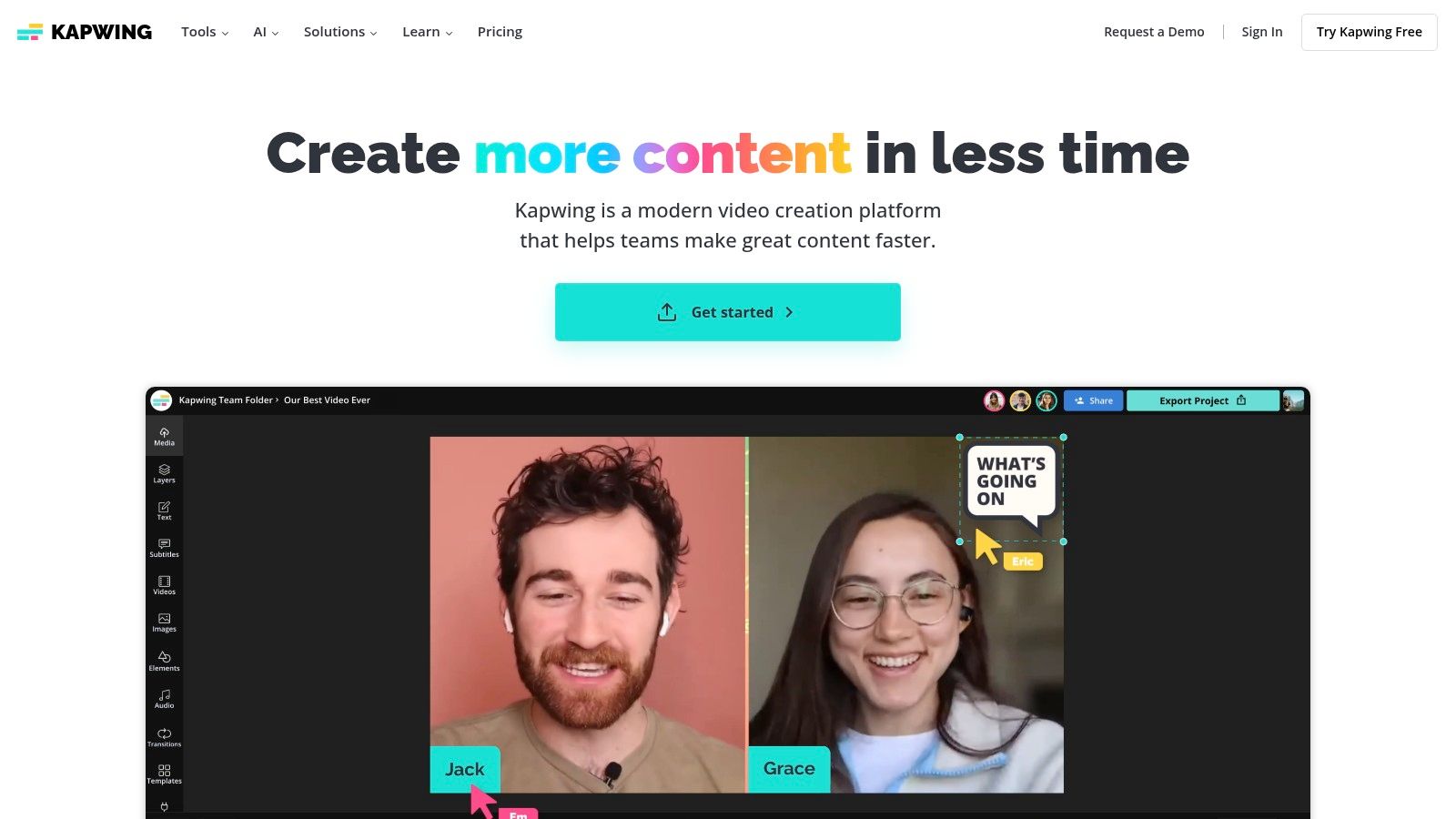
The platform excels at creating a seamless transition from editing to publishing. For example, after using Kapwing to automatically generate and burn subtitles into a video, you can then use its AI tools to repurpose that transcript into a concise and engaging description. This synergy is ideal for creators who value efficiency. A marketer creating a product demo video could auto-generate captions, then use the same text base to instantly create a description that highlights the key features mentioned in the video, ensuring perfect alignment between what's shown and what's written.
Best For and Pricing
- Best For: Video creators and teams who want an integrated solution for editing, subtitling, and generating descriptions within a single platform.
- Pricing: A free plan exists with watermarked exports. The Pro plan, which includes AI tools and removes watermarks, starts at £13 per month when billed annually.
Pros & Cons
| Pros | Cons |
|---|---|
| ✅ Robust video editor and AI writer combined in one tool | ❌ Description generation is not a standalone feature |
| ✅ Can generate text directly from video content/subtitles | ❌ Most useful AI features are behind the Pro paywall |
| ✅ Team workspaces support collaborative content creation workflows | ❌ Primarily a video editor, so text tools are less advanced |
Website: https://www.kapwing.com/
Top 12 YouTube Description Makers — Feature Comparison
| Tool | Core feature(s) | UX / Quality | Price & Value | Target & Standout |
|---|---|---|---|---|
| vidIQ | AI Description + keyword recommendations; YouTube extension | ★★★★ | 💰 Free/Pro (credit limits) → higher tiers unlimited | 👥 Upload-focused creators; ✨ Native YouTube integration & SEO guidance 🏆 |
| Canva | Magic Write descriptions + Brand Kit + asset design | ★★★★ | 💰 Free / Pro (best branding features on Pro) | 👥 Creators needing design+copy workflow; ✨ All-in-one branding consistency |
| VEED.IO | Quick topic/keyword prompts + one-click copy; integrates editor | ★★★ | 💰 Free generator; paid for advanced editing | 👥 Editors using VEED; ✨ Fast, low-friction generation |
| Hootsuite | Form-based ChatGPT generator (multi-language, CTA fields) | ★★★★ | 💰 Free generator; Hootsuite subscription for scheduling | 👥 Social managers & schedulers; ✨ Structured inputs for SEO-friendly copy |
| Descript | Transcript-driven descriptions + auto chapters & publish | ★★★★★ | 💰 Paid tiers for full features | 👥 Podcasters/editors using transcripts; 🏆 Transcript-aware accuracy & direct YouTube publish |
| Castmagic | URL import → transcription → descriptions, titles, keywords | ★★★★ | 💰 Freemium; subs for higher volume | 👥 Repurposers of long-form content; ✨ Batch SEO-asset generation |
| OneUp | No-login, no-cost description generator (part of scheduler) | ★★★ | 💰 Free, no signup required | 👥 Creators who want instant copy; ✨ Zero setup convenience |
| Nuelink | Free generator with emoji & hashtag toggles; scheduling suite | ★★★ | 💰 Free generator; paid for automation/scaling | 👥 Teams testing automation; ✨ Emoji/hashtag options + scheduling integration |
| Writecream | Multiple variants per prompt; tone & word-count controls | ★★★★ | 💰 Free to try; paid for advanced/volume | 👥 Creators A/B testing descriptions; ✨ Variant + tone controls |
| TextCortex | 30+ language support, tone presets inside writing assistant | ★★★★ | 💰 Free start; paid for full capabilities | 👥 Multi-language channels; ✨ Strong non-English support |
| Flixier | In-browser AI descriptions inside cloud video editor | ★★★★ | 💰 Free generator; paid editor features | 👥 Browser-based video editors; ✨ Seamless copy → edit workflow |
| Kapwing | AI text tools combined with auto-subtitles & team workspaces | ★★★★ | 💰 Pro/Business for AI minutes & features | 👥 Teams & creators wanting end-to-end editing; ✨ Robust editor + AI collaboration |
Choosing the Right Maker for a Smarter YouTube Workflow
Navigating the landscape of YouTube description maker tools can feel overwhelming, but the right choice ultimately hinges on your specific needs and existing creative process. Throughout this guide, we've explored a diverse range of platforms, from the deep SEO analytics of vidIQ to the integrated visual and text creation powerhouse of Canva. We've seen how tools like VEED.IO and Flixier streamline the edit-to-publish pipeline, while AI assistants such as Writecream and TextCortex offer rapid, specialised text generation.
The core takeaway is that there is no single "best" tool. Instead, the optimal solution is the one that seamlessly integrates into your workflow, saving you time without sacrificing quality. A solo creator focused on tutorials might find Descript's transcript-to-description feature a game-changer, whereas a social media manager juggling multiple channels could lean on Hootsuite's scheduling and template capabilities. Your goal should be to identify the biggest bottleneck in your publishing process and select a tool that directly addresses it.
Your Action Plan for Selecting a Tool
To make a confident decision, follow these practical steps:
- Map Your Current Workflow: Sketch out your video creation process, from initial idea to final publication. Pinpoint exactly where you spend the most time or feel the least confident. Is it keyword research? Crafting compelling copy? Ensuring consistent branding?
- Identify Your Primary Need: Based on your workflow map, define your main goal. Do you need an SEO optimiser, a creative copywriter, or an all-in-one content repurposing tool? A creator struggling with discoverability should prioritise an SEO-centric tool, while one battling writer's block should look for strong AI writing features.
- Utilise Free Trials: Nearly every tool on this list offers a free trial or a limited free plan. Dedicate time to testing your top two or three contenders. Use them to write descriptions for your next couple of videos and assess the real-world results and user experience.
- Consider Your Budget and Scalability: Be realistic about your budget. While premium tools offer powerful features, many free options provide substantial value. Think about your channel's future growth; will the tool you choose today still serve your needs in a year?
Beyond the Description: A Holistic Approach
Ultimately, a perfectly optimised description is only one part of the YouTube success equation. It acts as a powerful amplifier for great content, but it cannot fix a video that lacks a strong, audience-focused foundation. The most successful creators build their strategy from the ground up, starting with an idea they know has viral potential before they even hit record.
This is where a strategic, holistic approach becomes critical. By pairing a powerful YouTube description maker from our list with a pre-production tool that validates your ideas, you create an end-to-end system for success. You move from guessing what might work to strategically creating content that you know your audience is searching for. This proactive strategy ensures that your well-crafted descriptions are driving views to content that is destined to perform, transforming your workflow from reactive to strategic and setting your channel on a path for sustained growth.
Ready to ensure your next video is a guaranteed hit before you even start filming? Vidito helps you discover and validate viral video ideas in your niche, providing the data-backed foundation you need for success. Start with a winning concept and then use your favourite description maker to amplify its reach. Try Vidito today and build your next video on a bedrock of data.